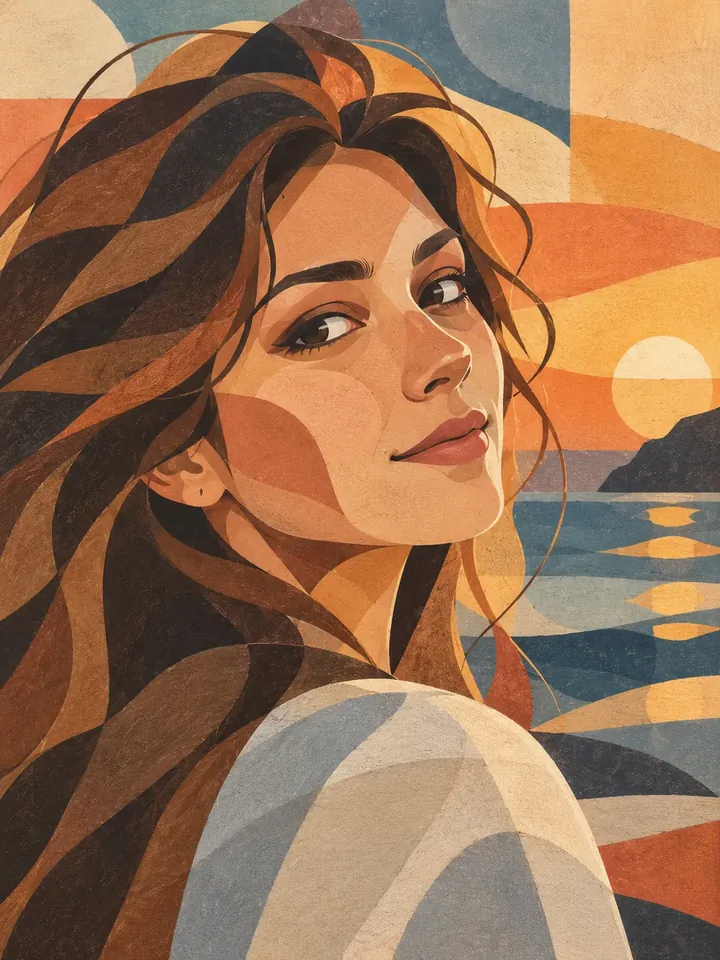
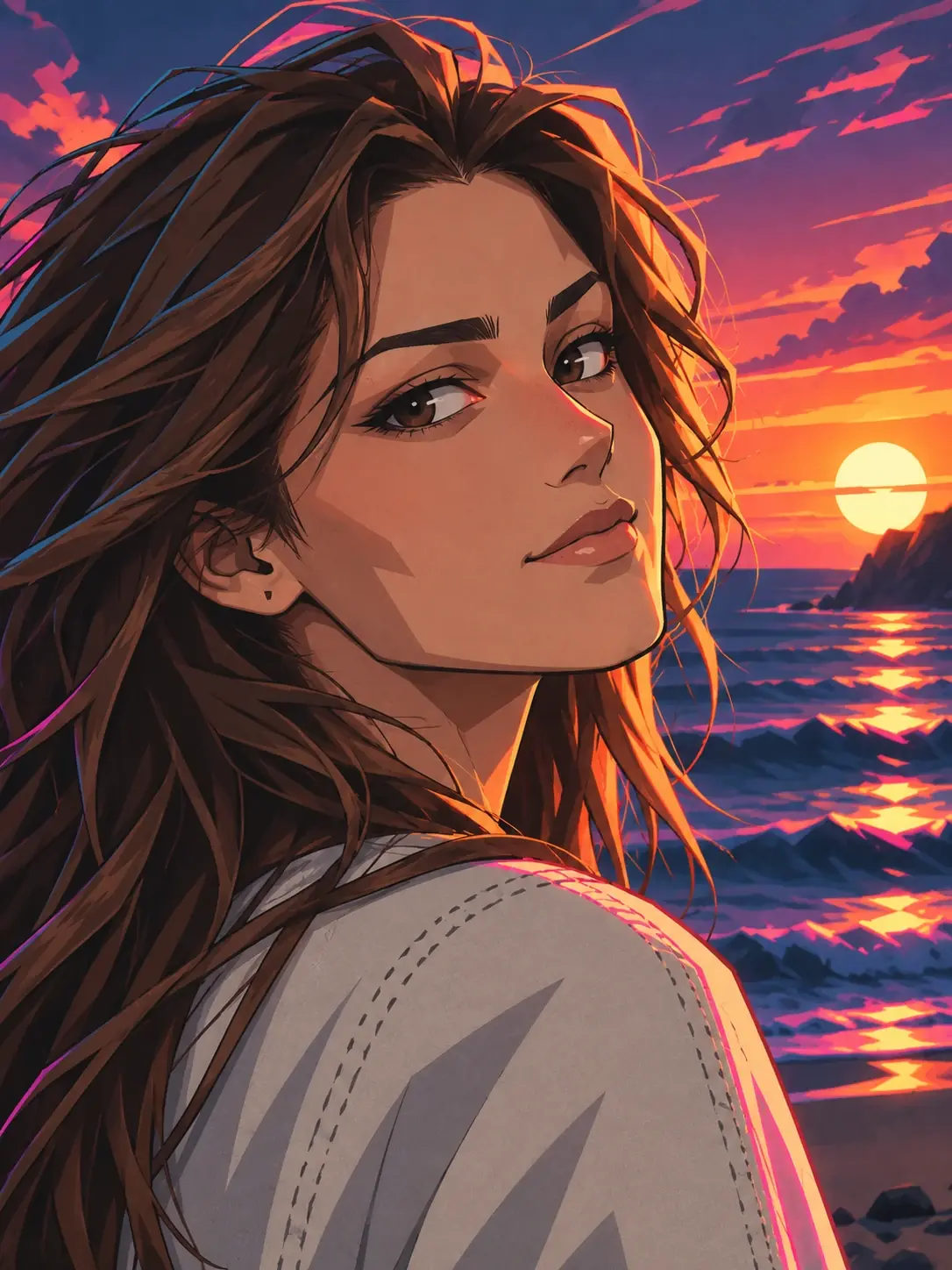
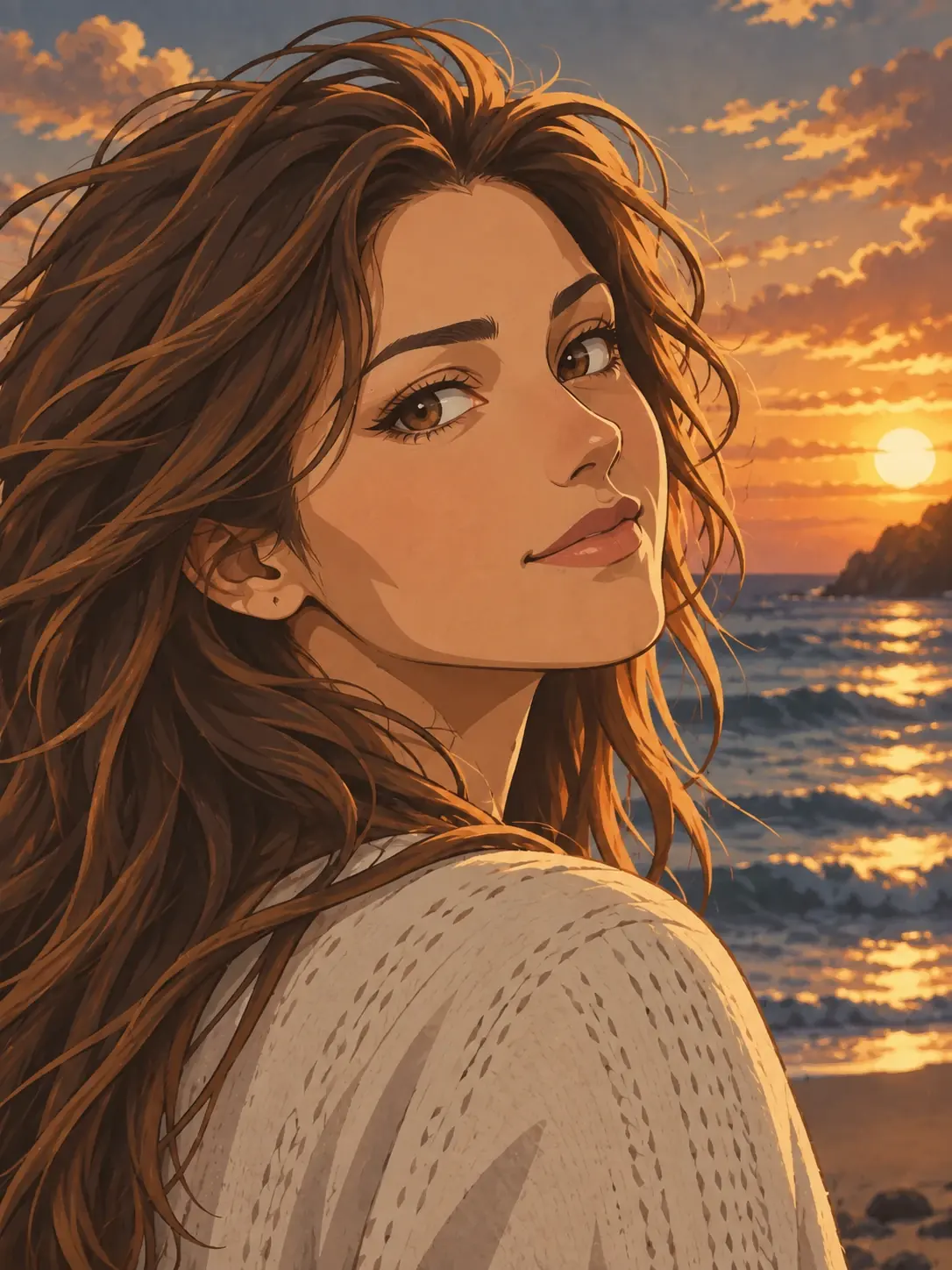
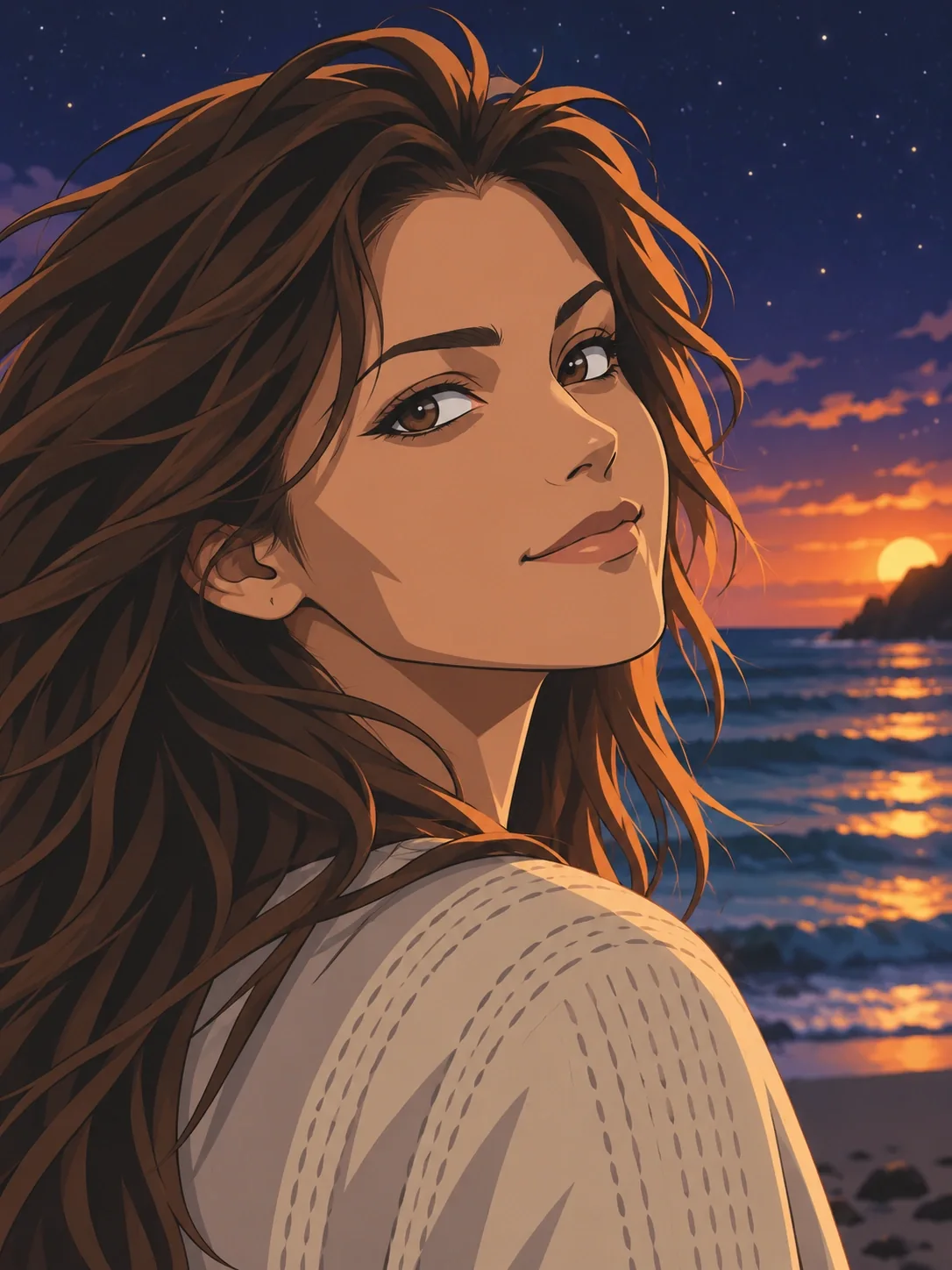
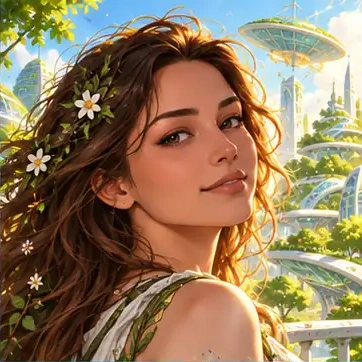
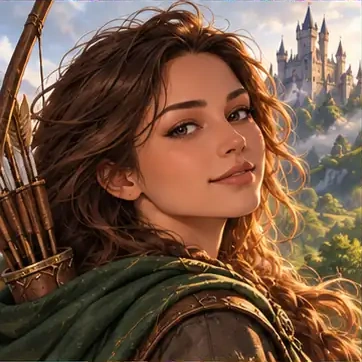
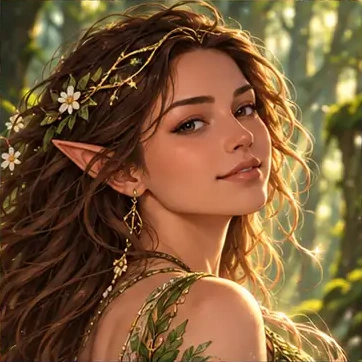
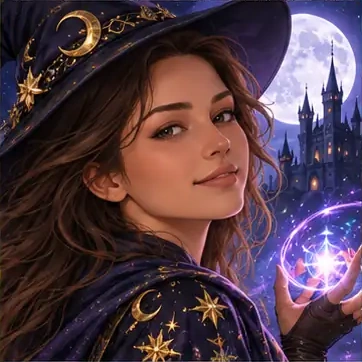

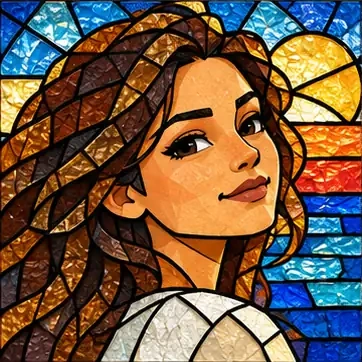
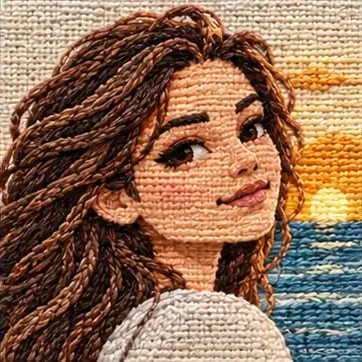

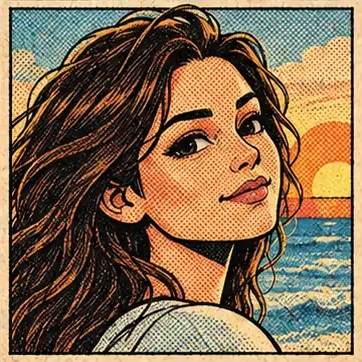
Find a look before you convert your photo
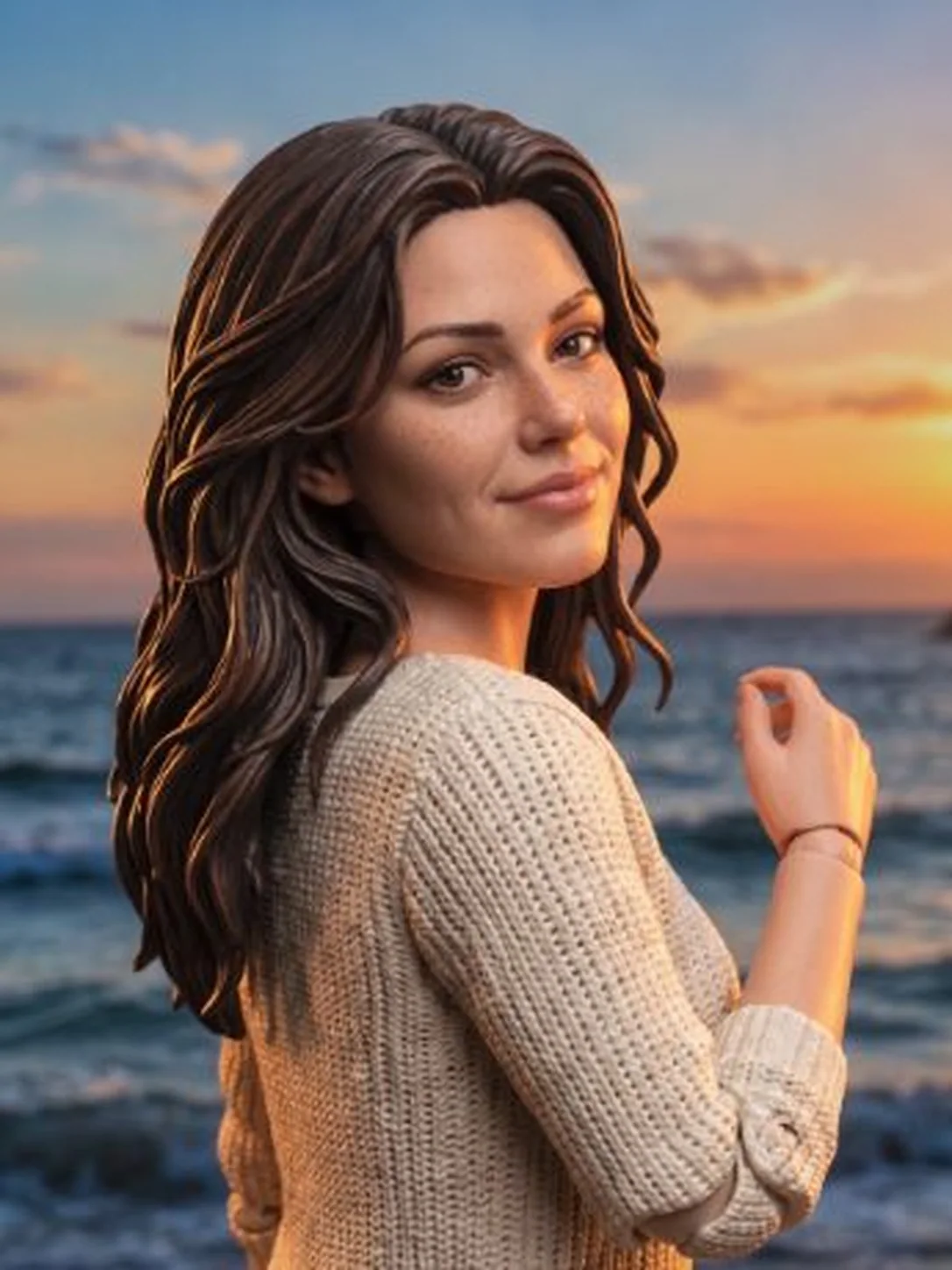
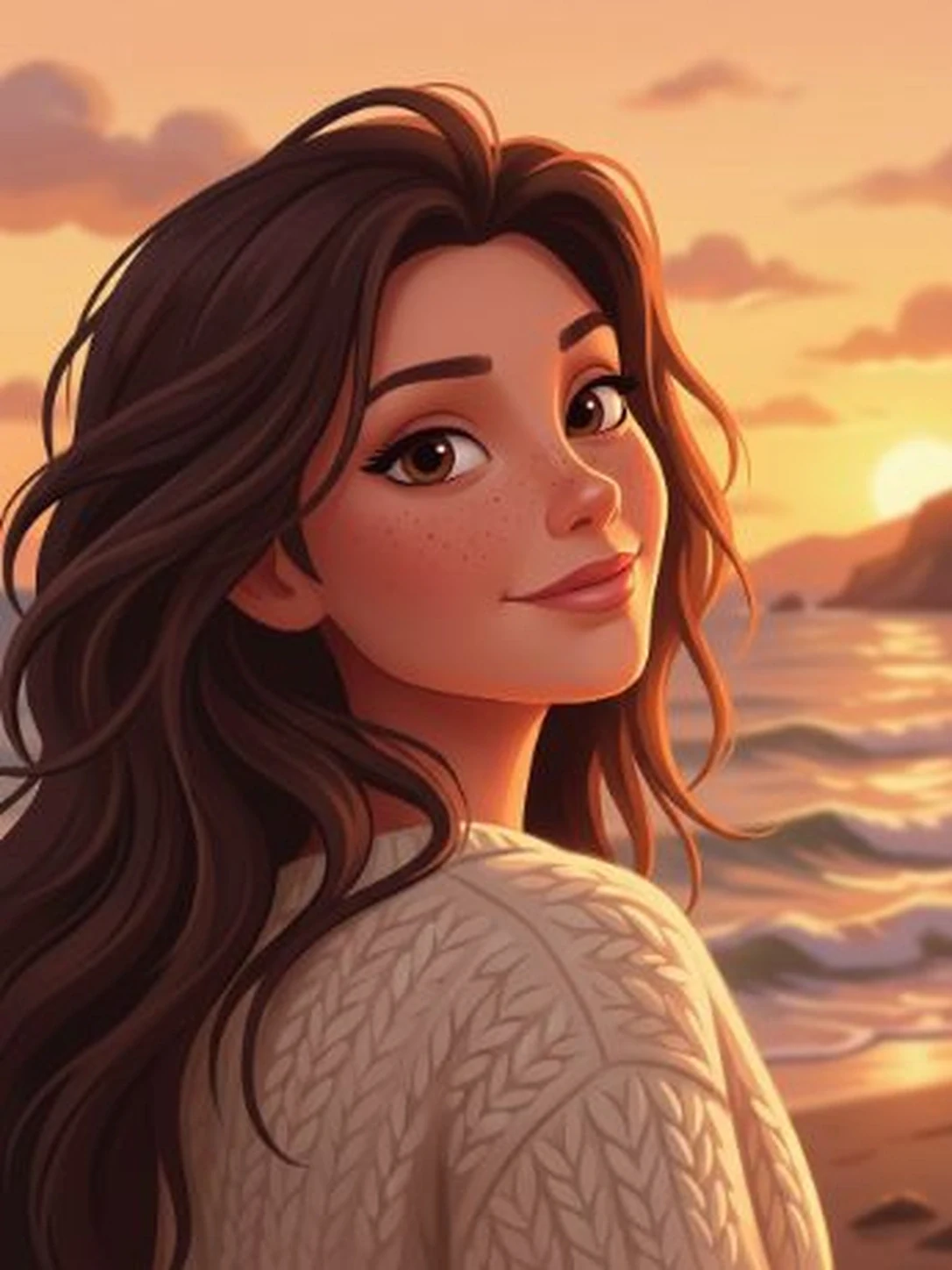
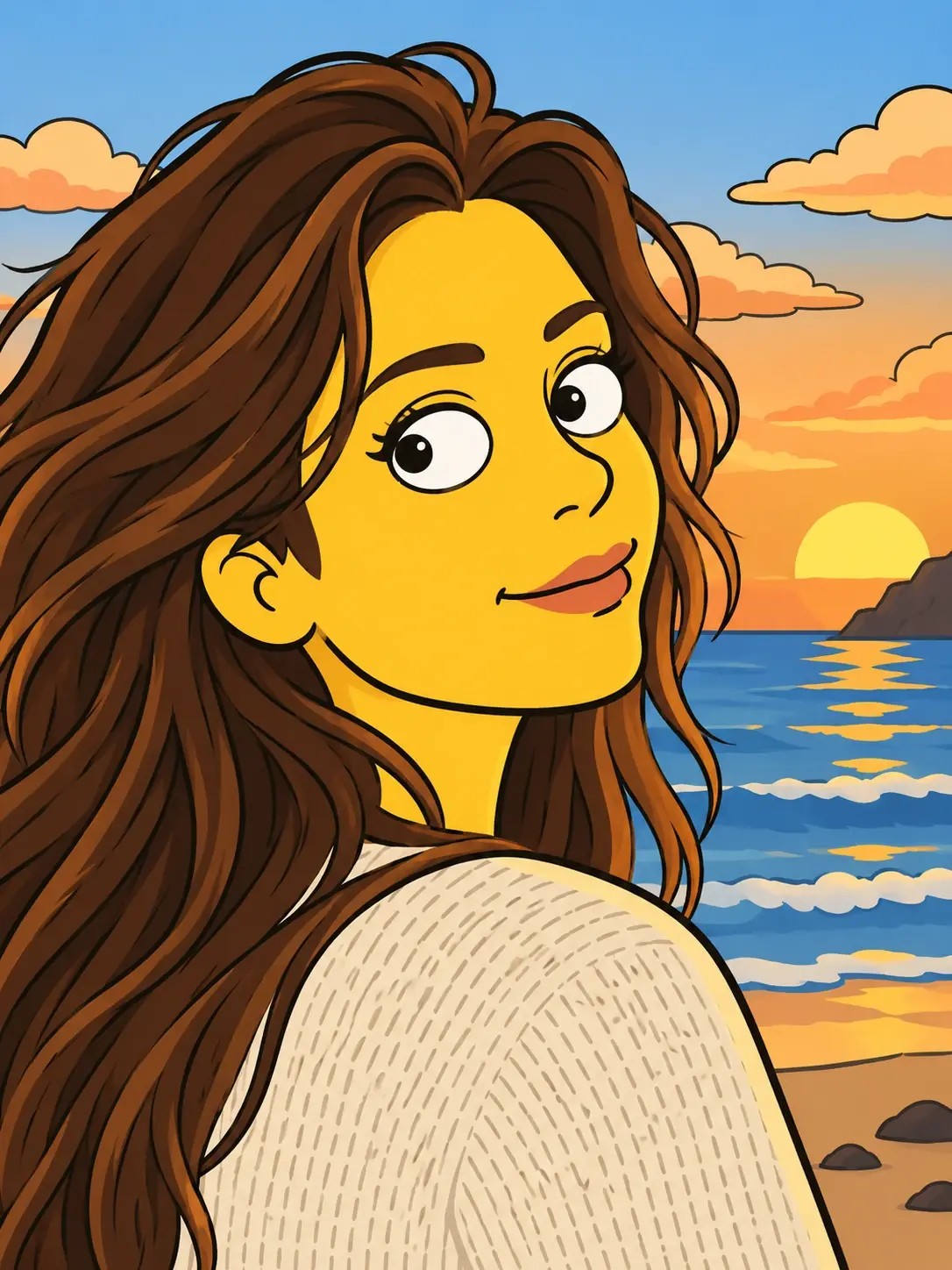
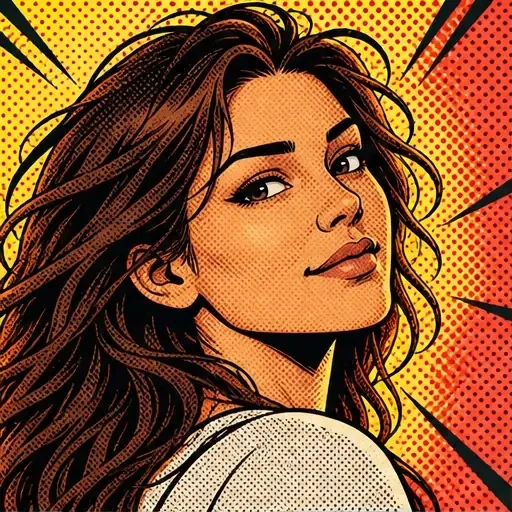
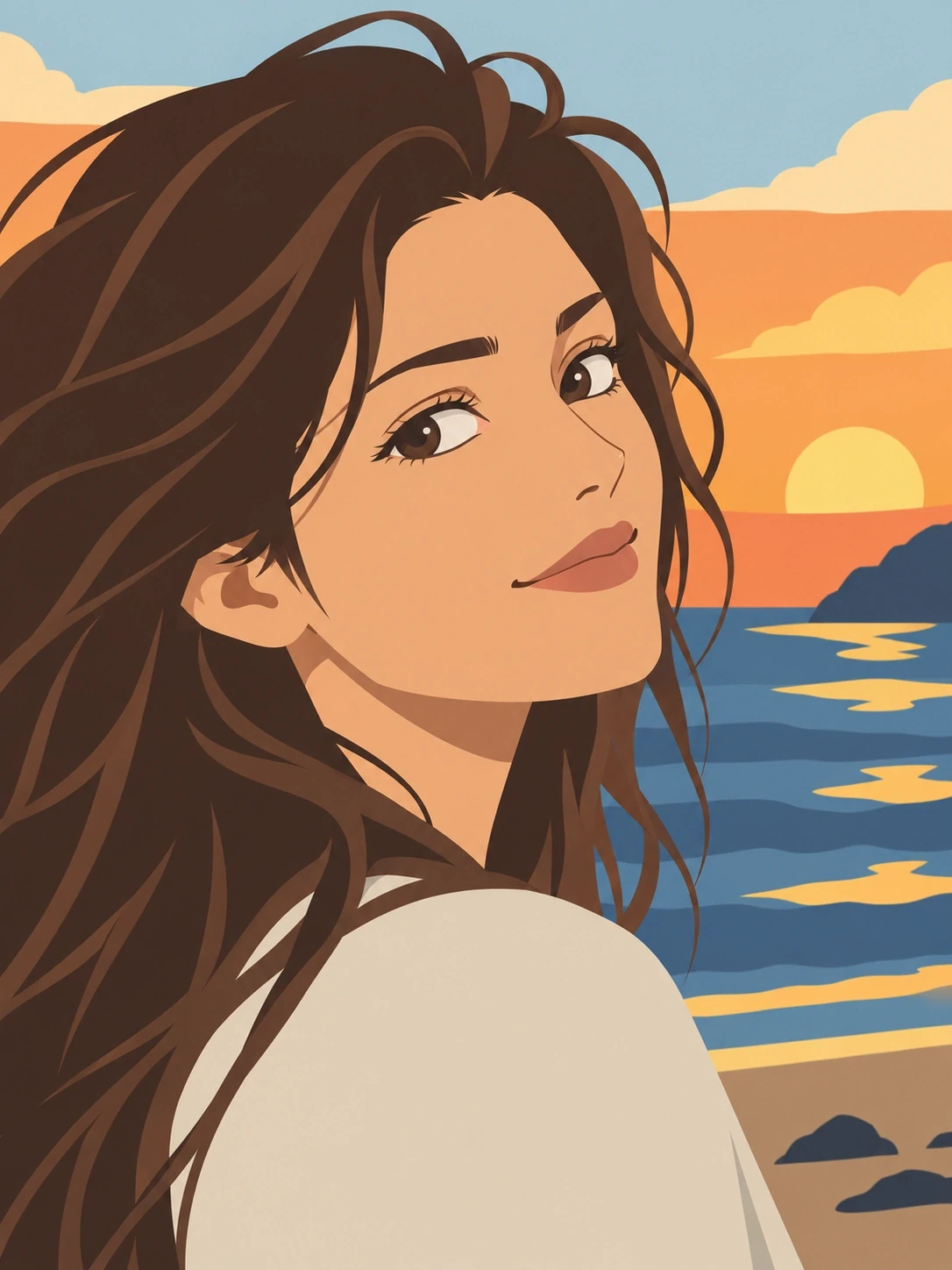
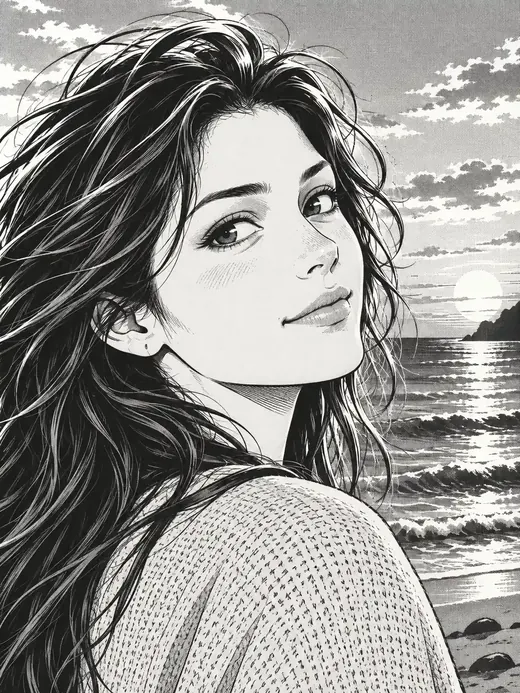
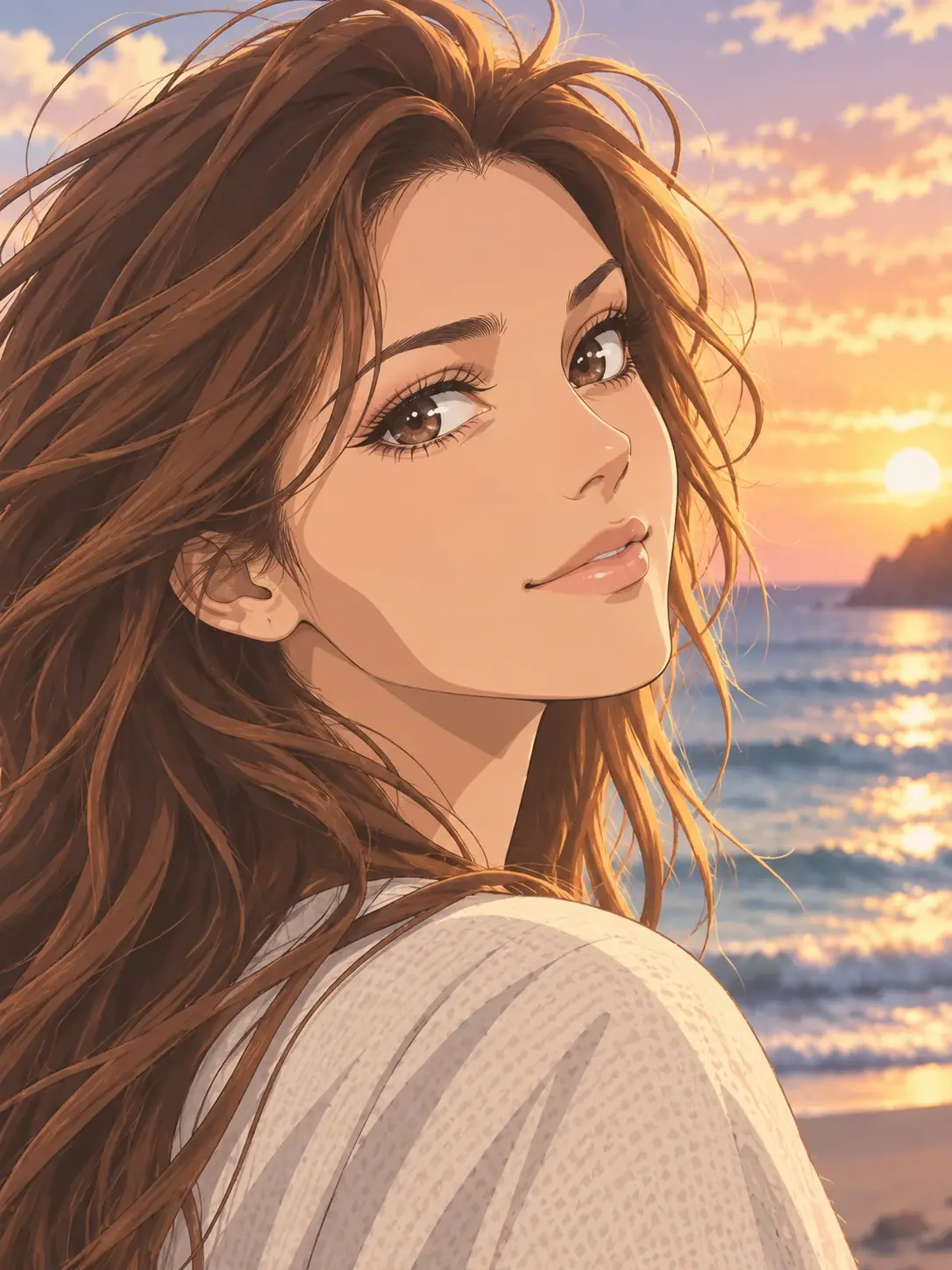
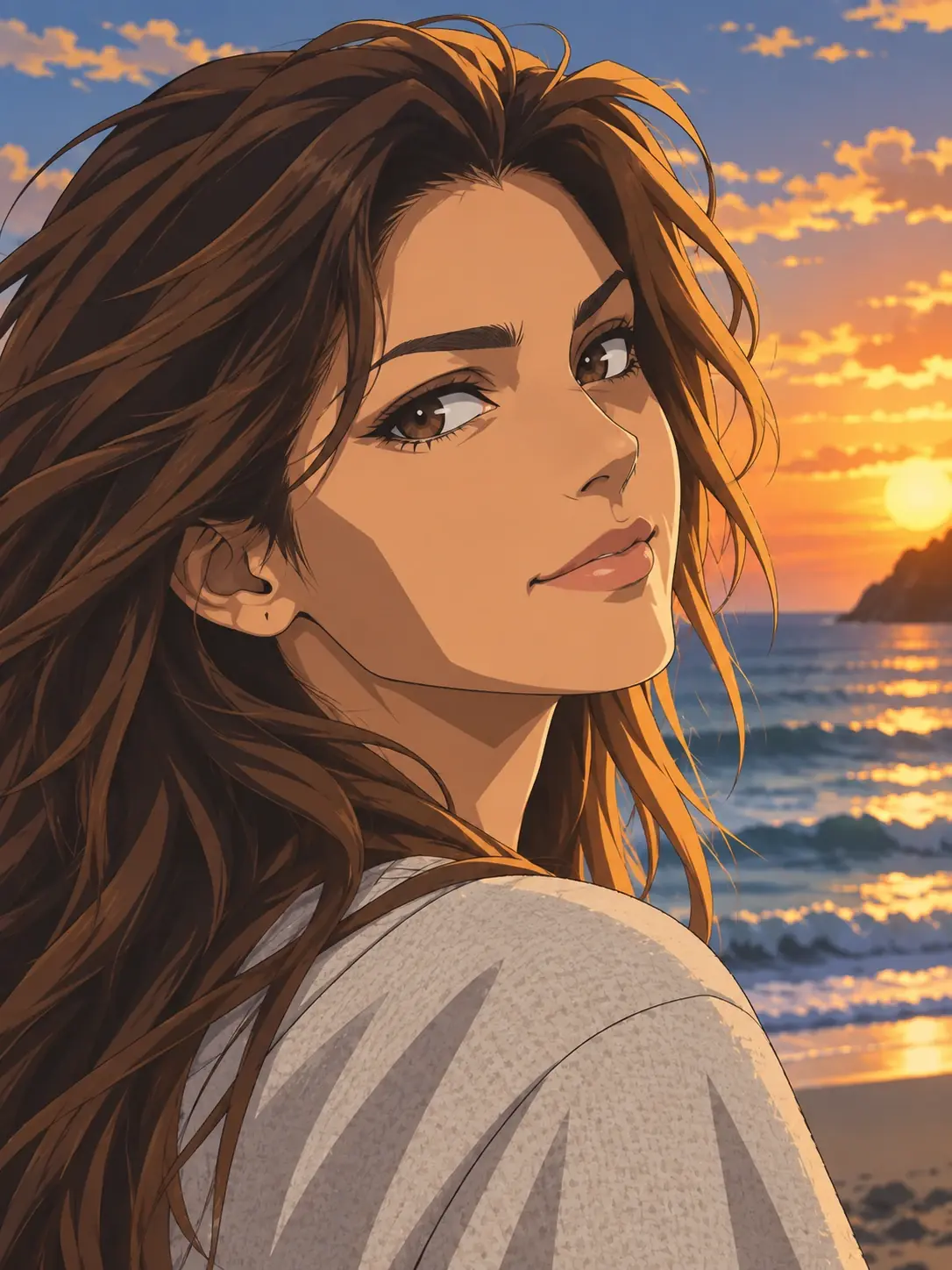
A style changes more than the color of a picture. It can change the outlines, simplify the shapes, flatten the shading or give the subject a different material. Use this directory to compare those treatments before choosing a direction.
Browse styles by category or search by name to narrow the collection. When you are ready to generate, choose a style available in the photo workspace. The illustrations help you compare visual directions; your own subject and composition shape the result.
Classic cartoons
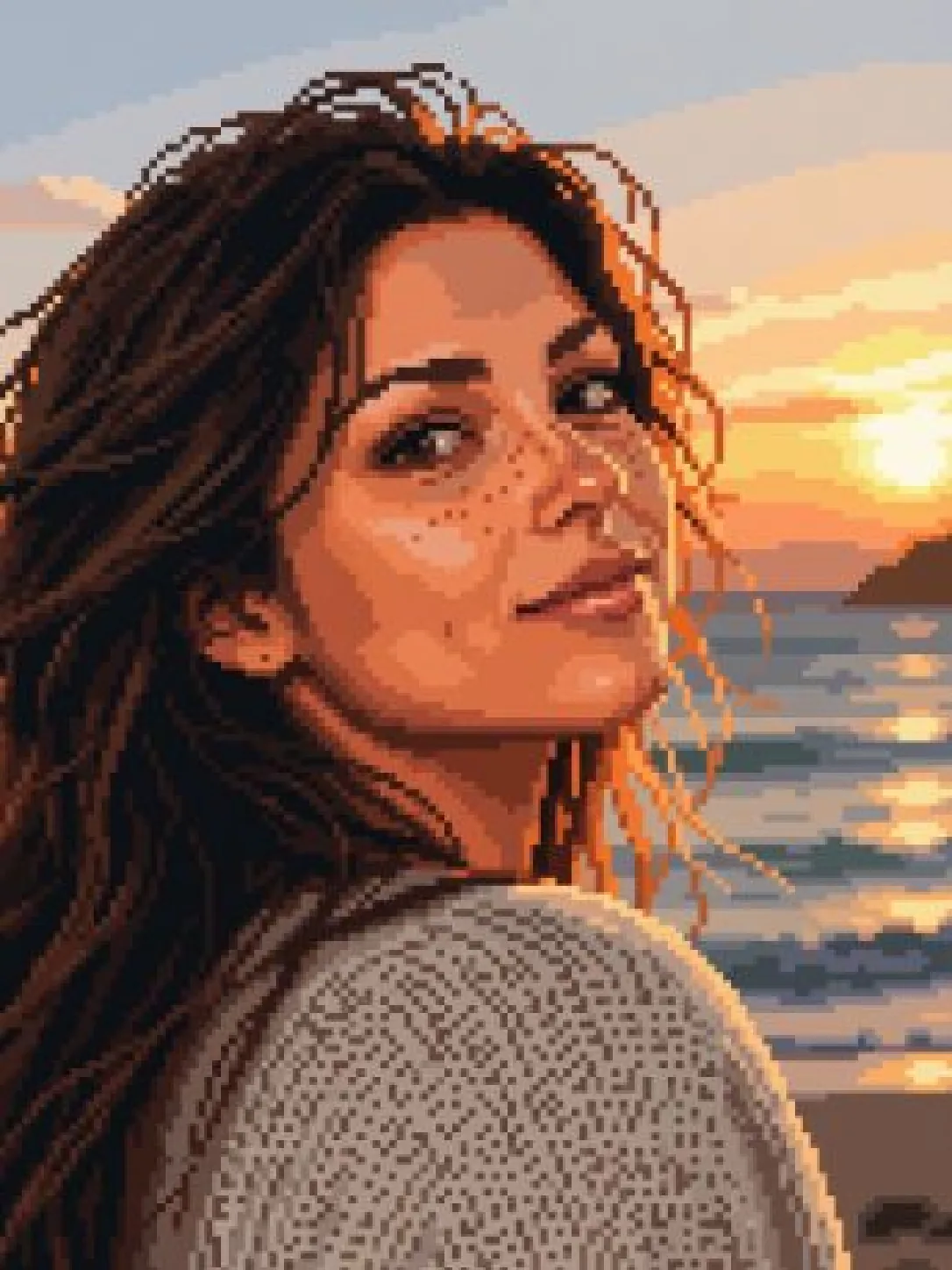
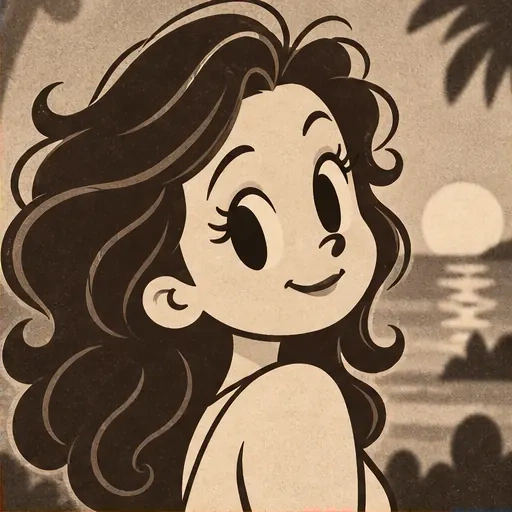
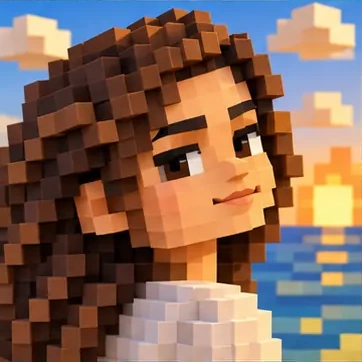
Compare familiar cartoon treatments, from block-based pixel art and hand-drawn animation to rounded, dimensional characters and figure-like forms. Look at how each one simplifies the subject.
Open the composer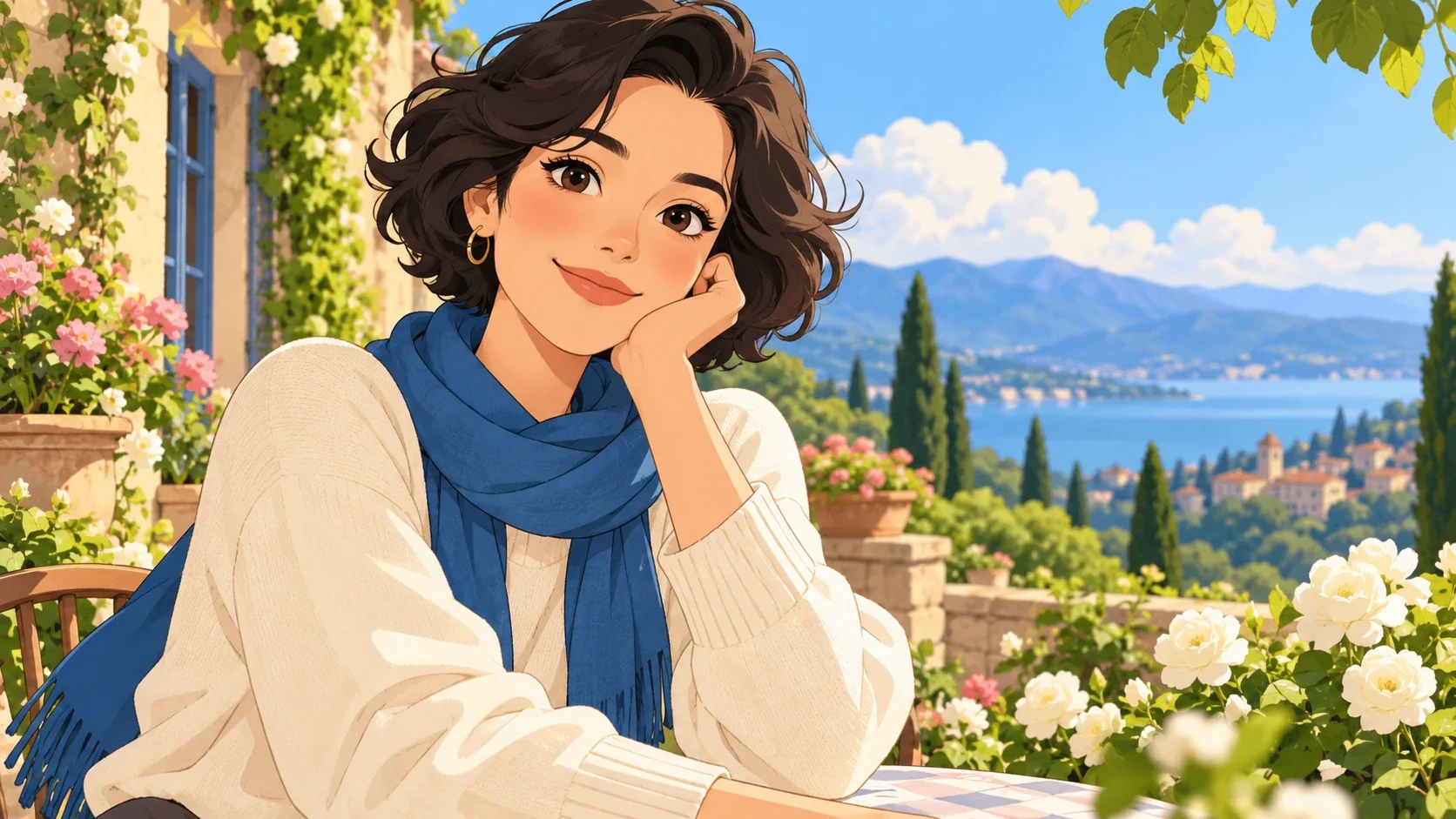
Anime and manga
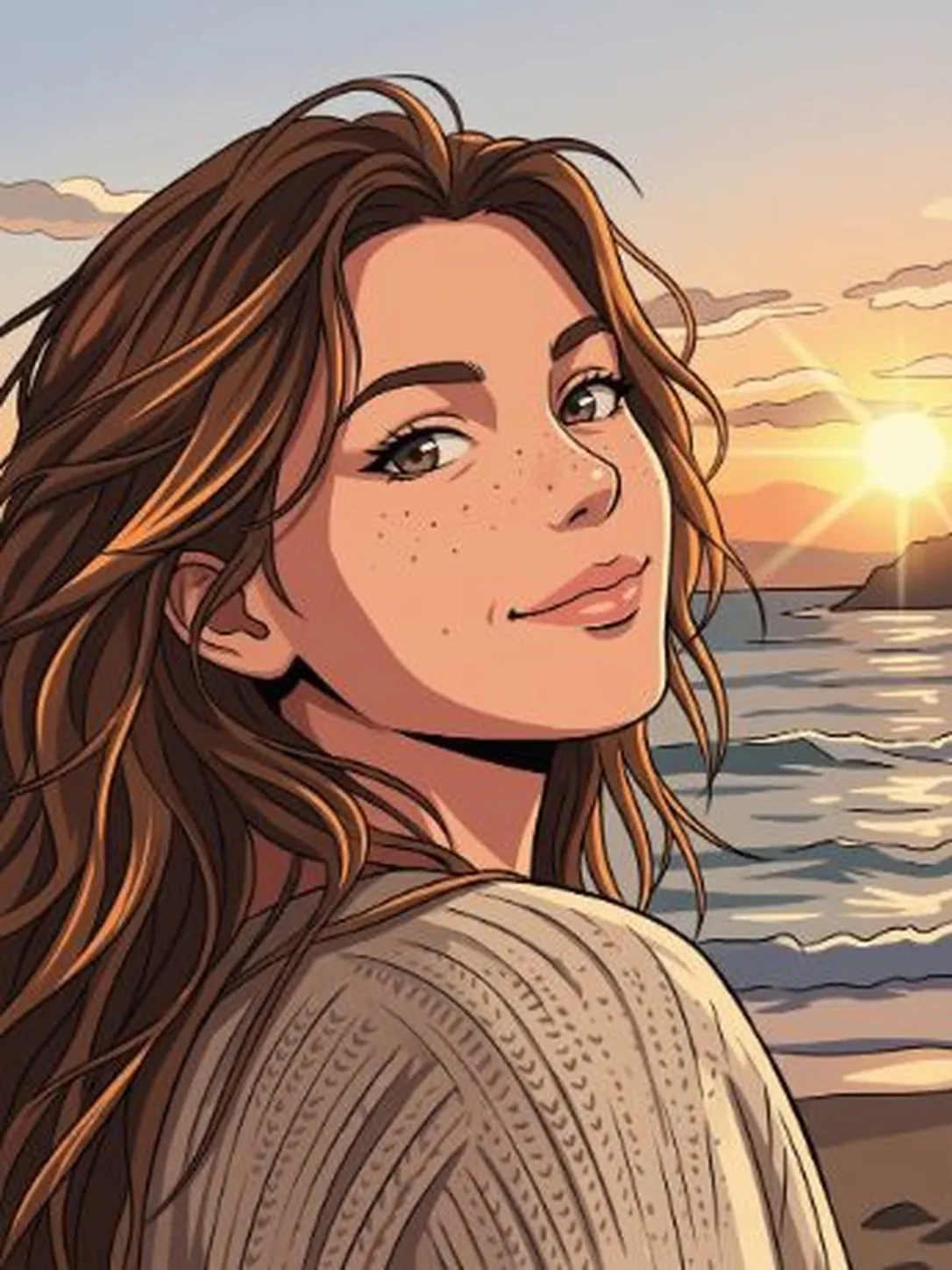
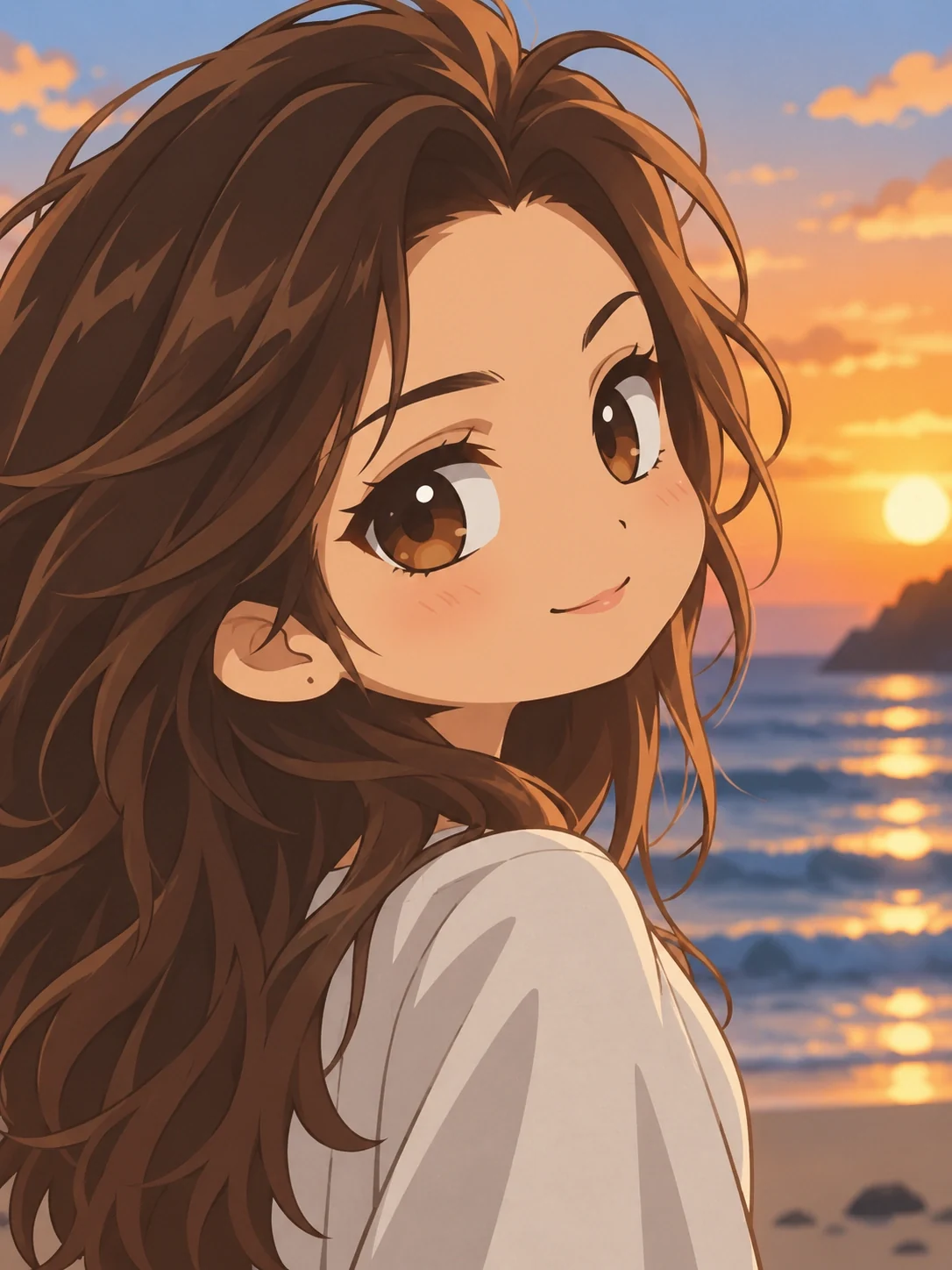
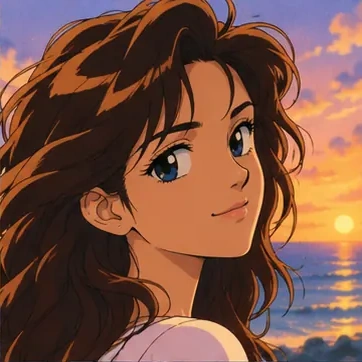
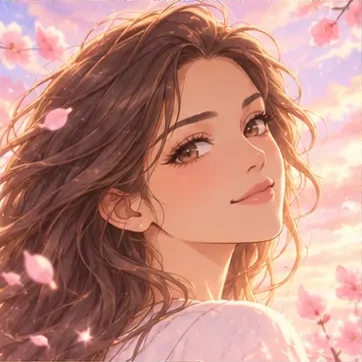
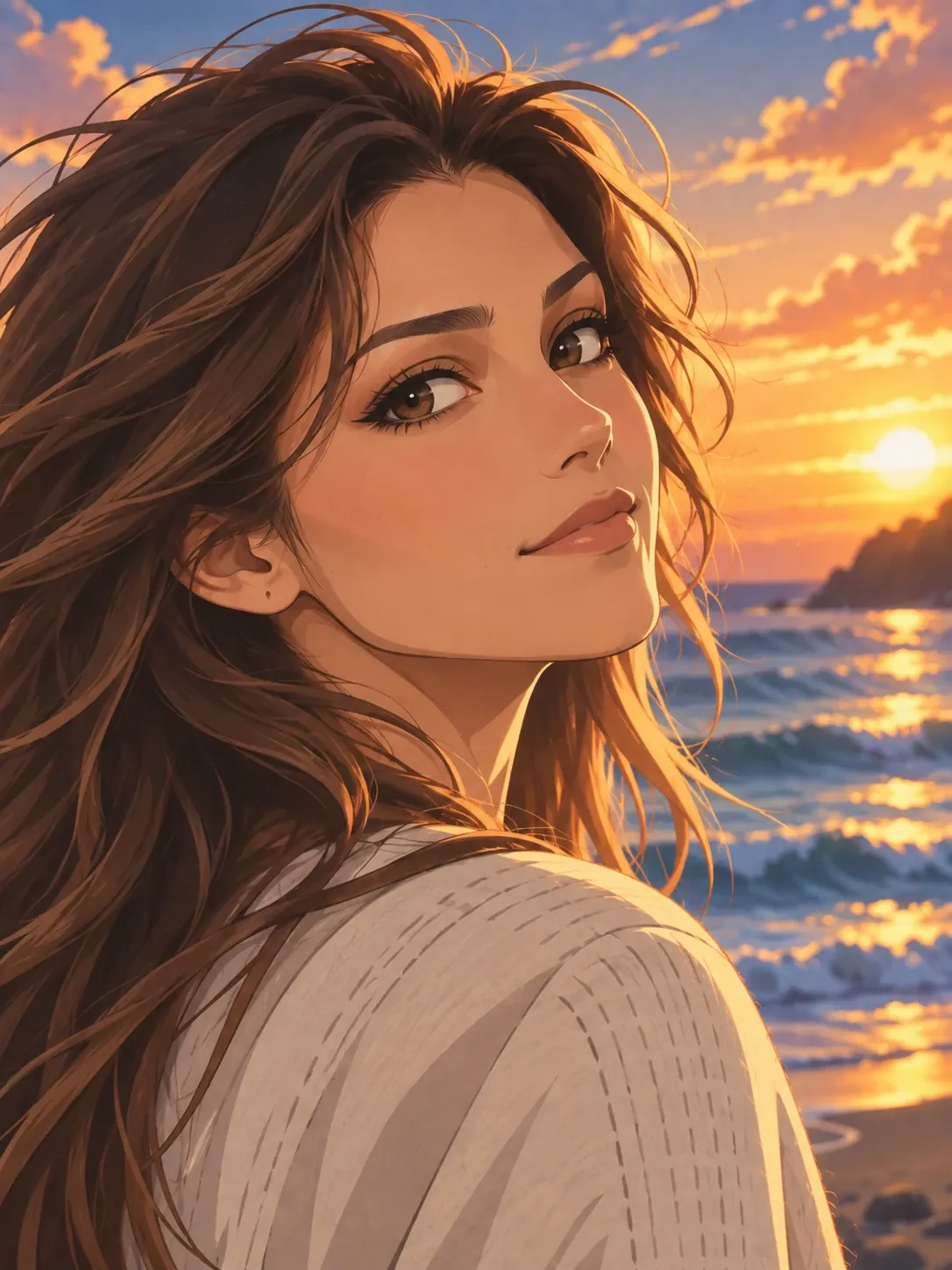
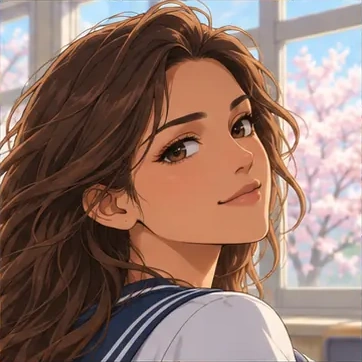
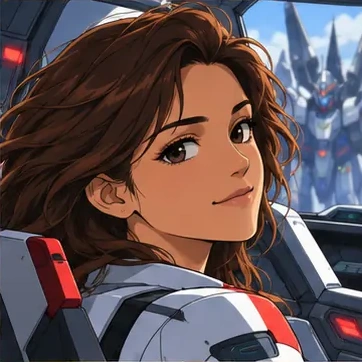
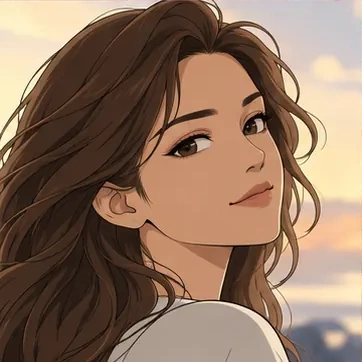
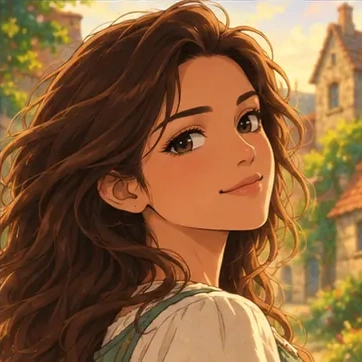
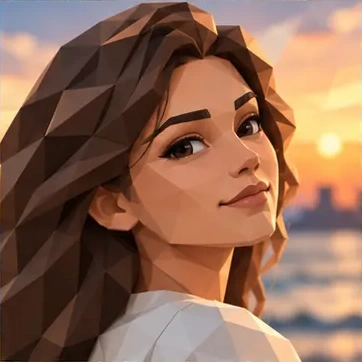
Explore drawn looks that emphasize linework, graphic shadows and expressive shapes. Compare the weight of the outlines, the amount of detail and the treatment of light.
Open the composer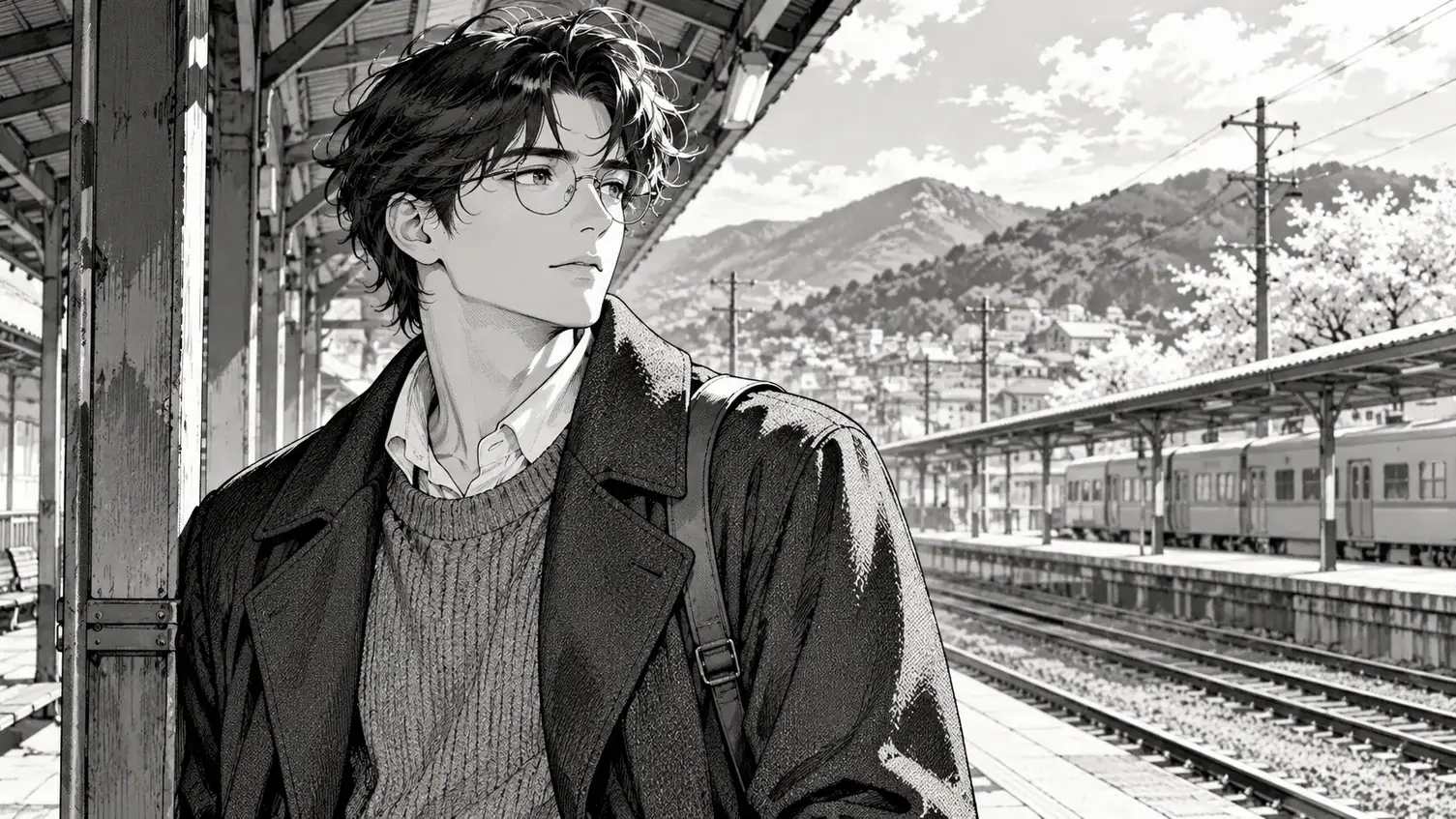
Art and painting
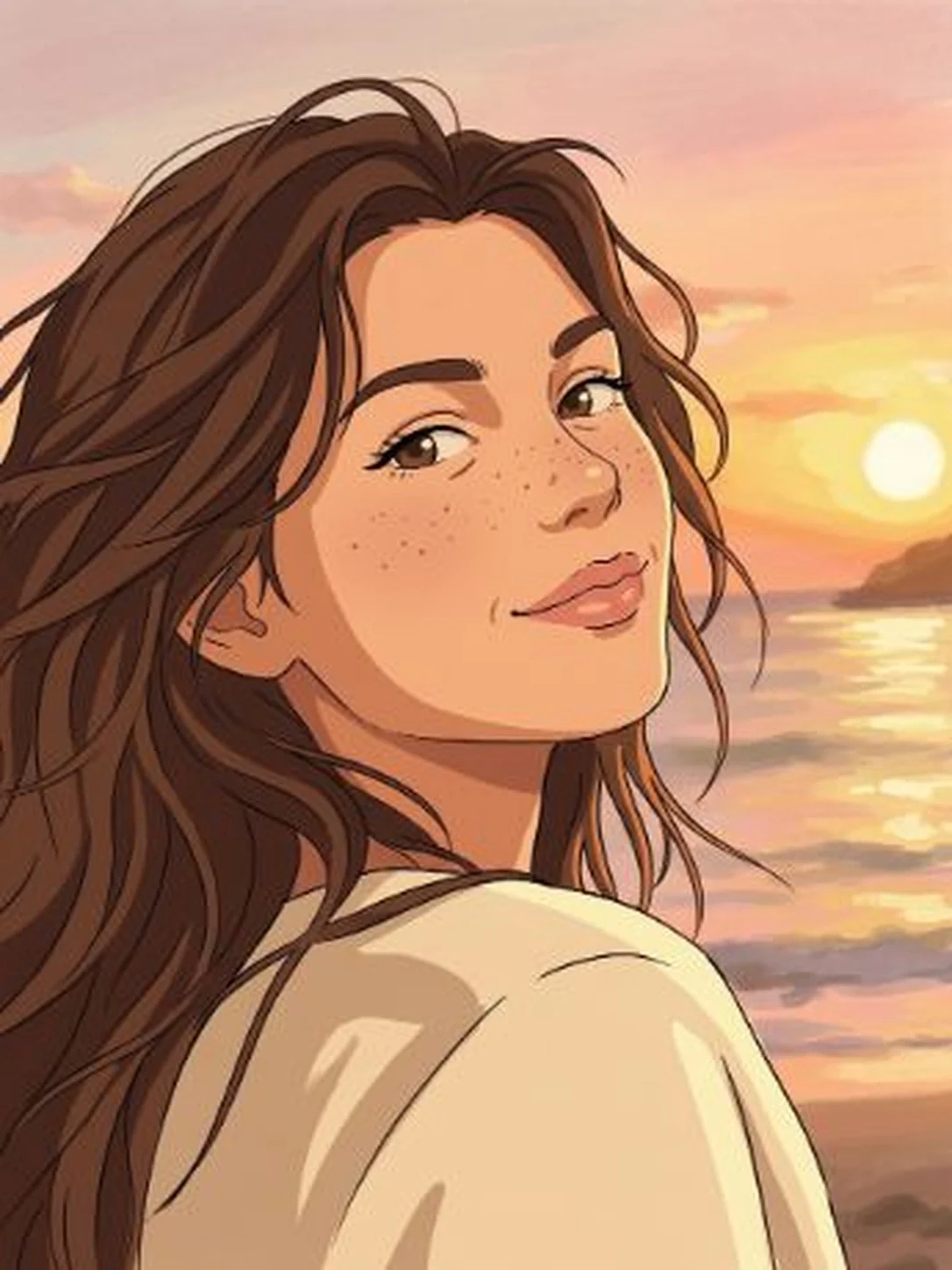
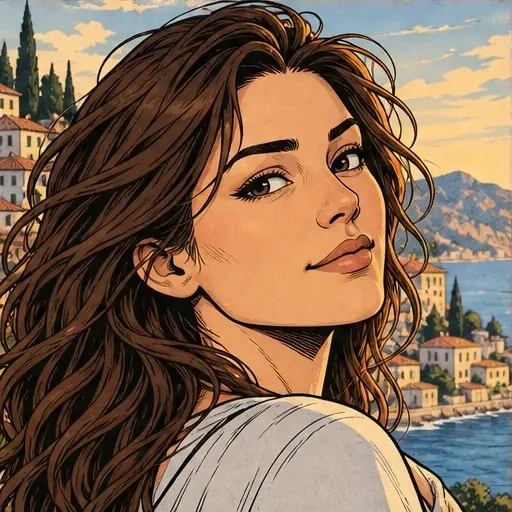
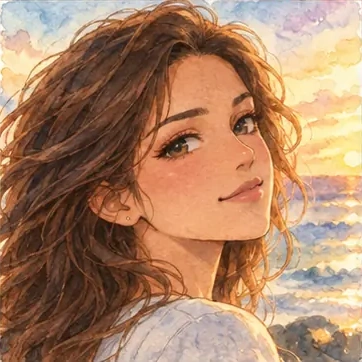
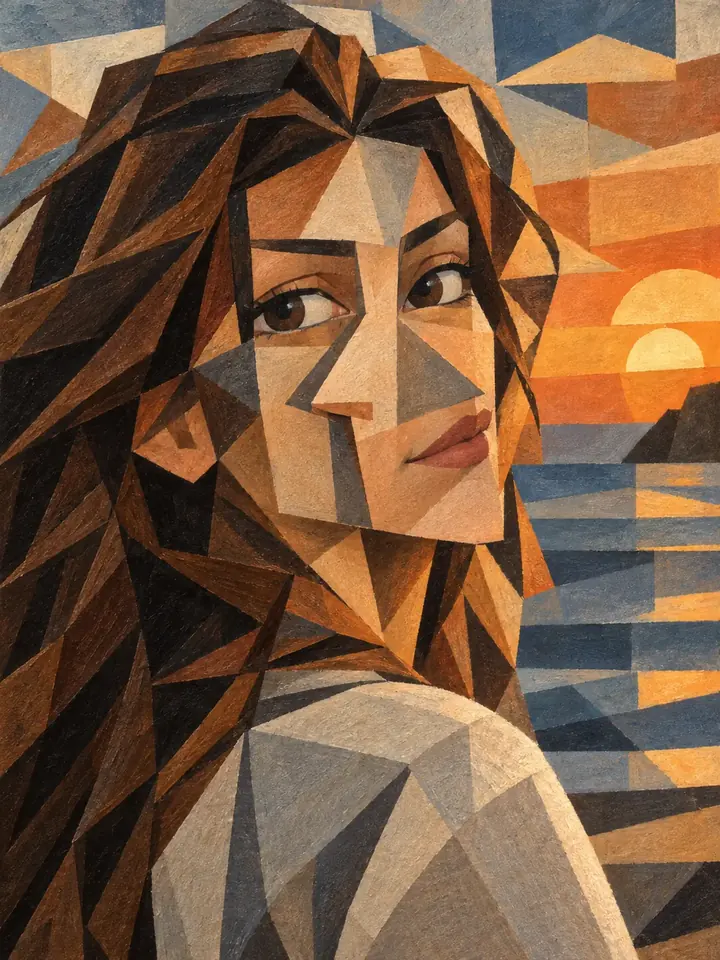
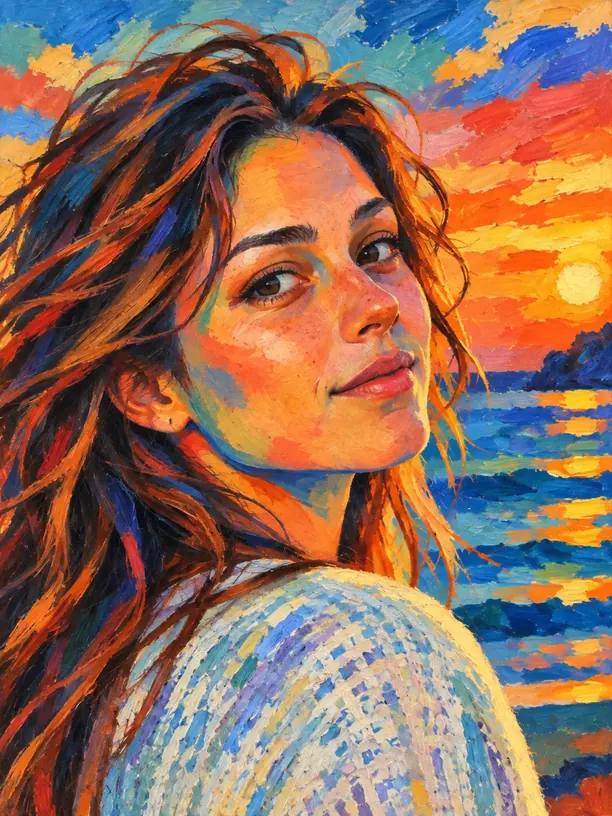
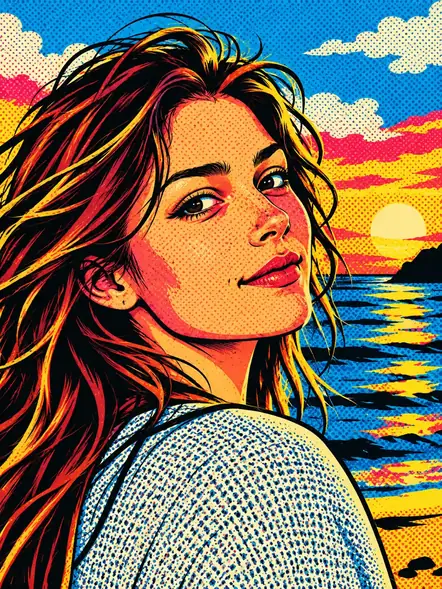
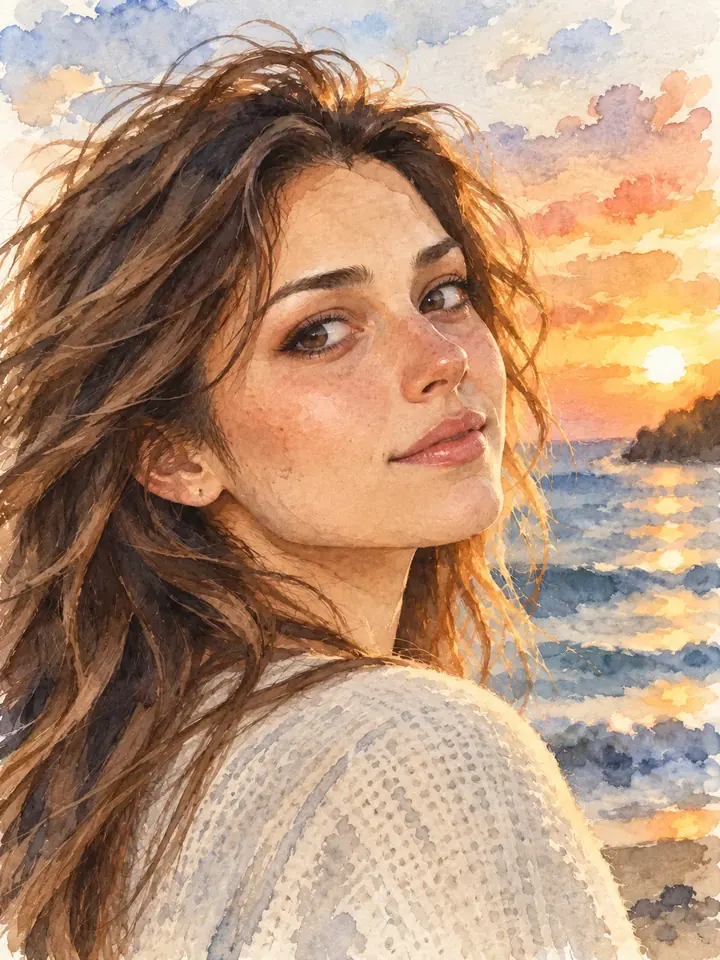
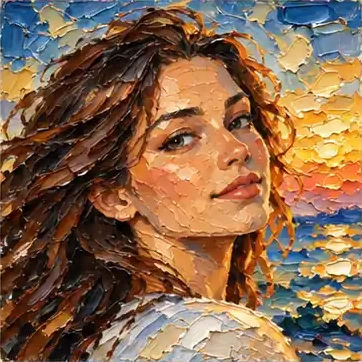
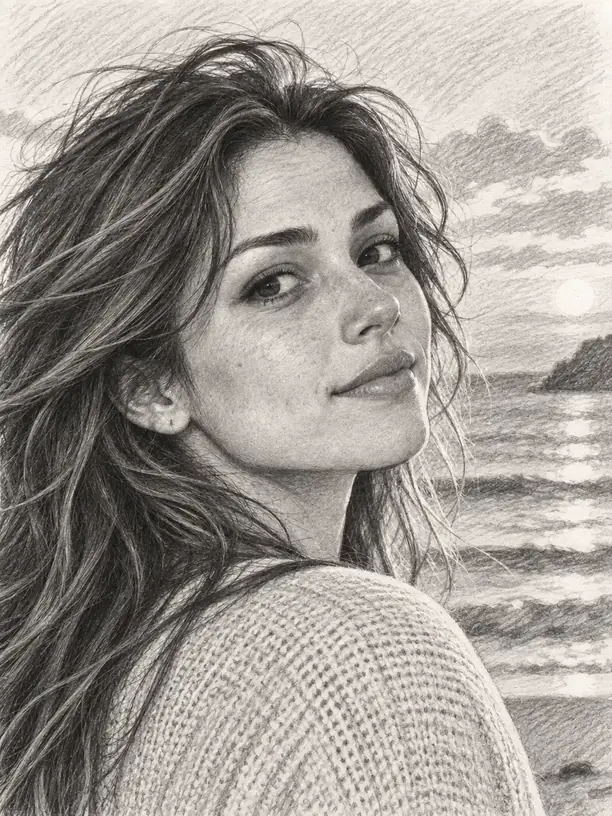
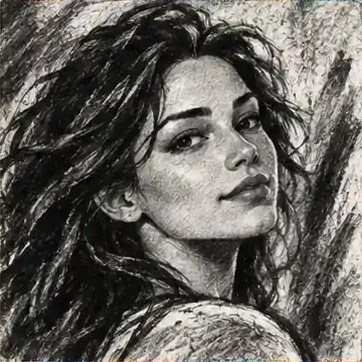
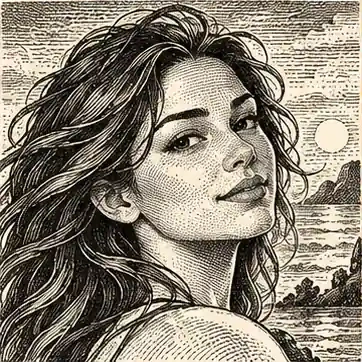
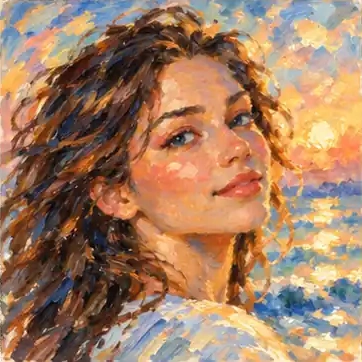
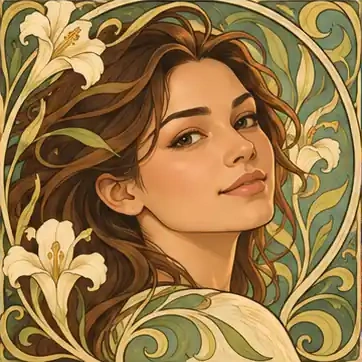
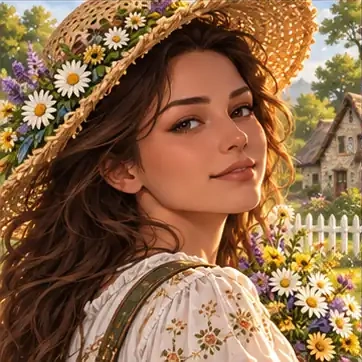
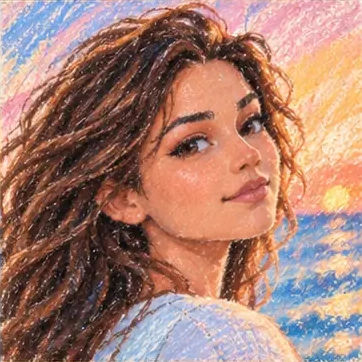
Look for the marks of the medium: watercolor washes, painted color, pencil lines or printed textures. Choose according to the surface and detail you want the picture to suggest.
Open the composer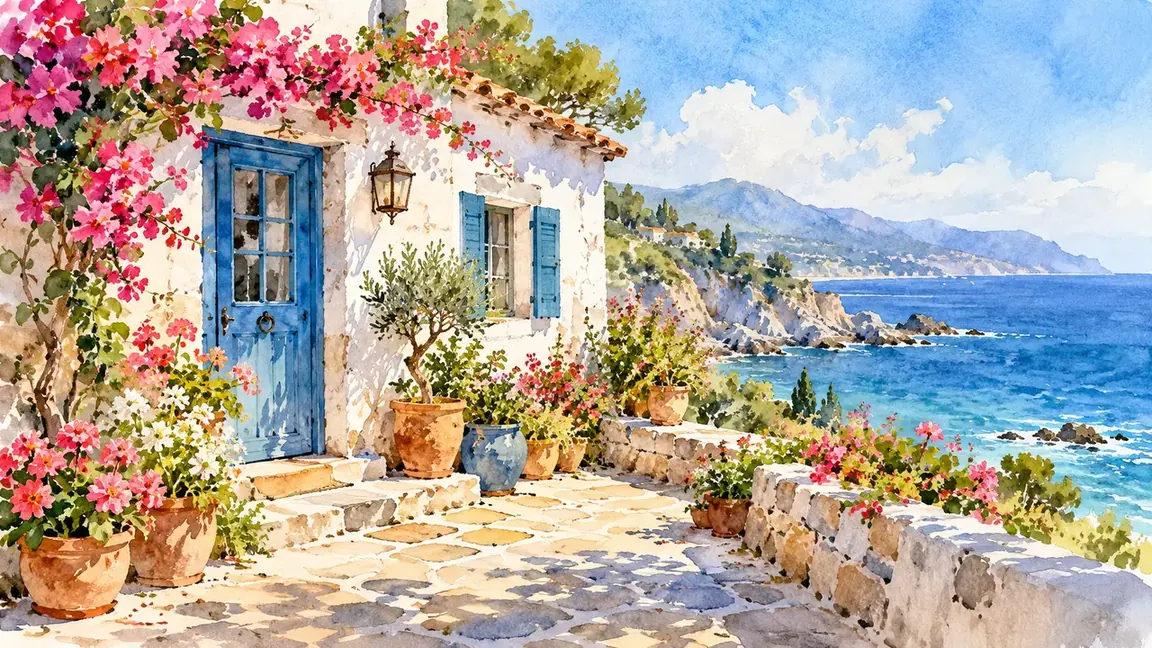
Fantasy and science fiction
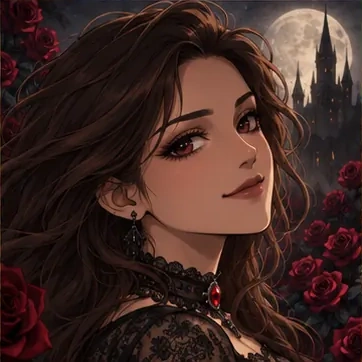
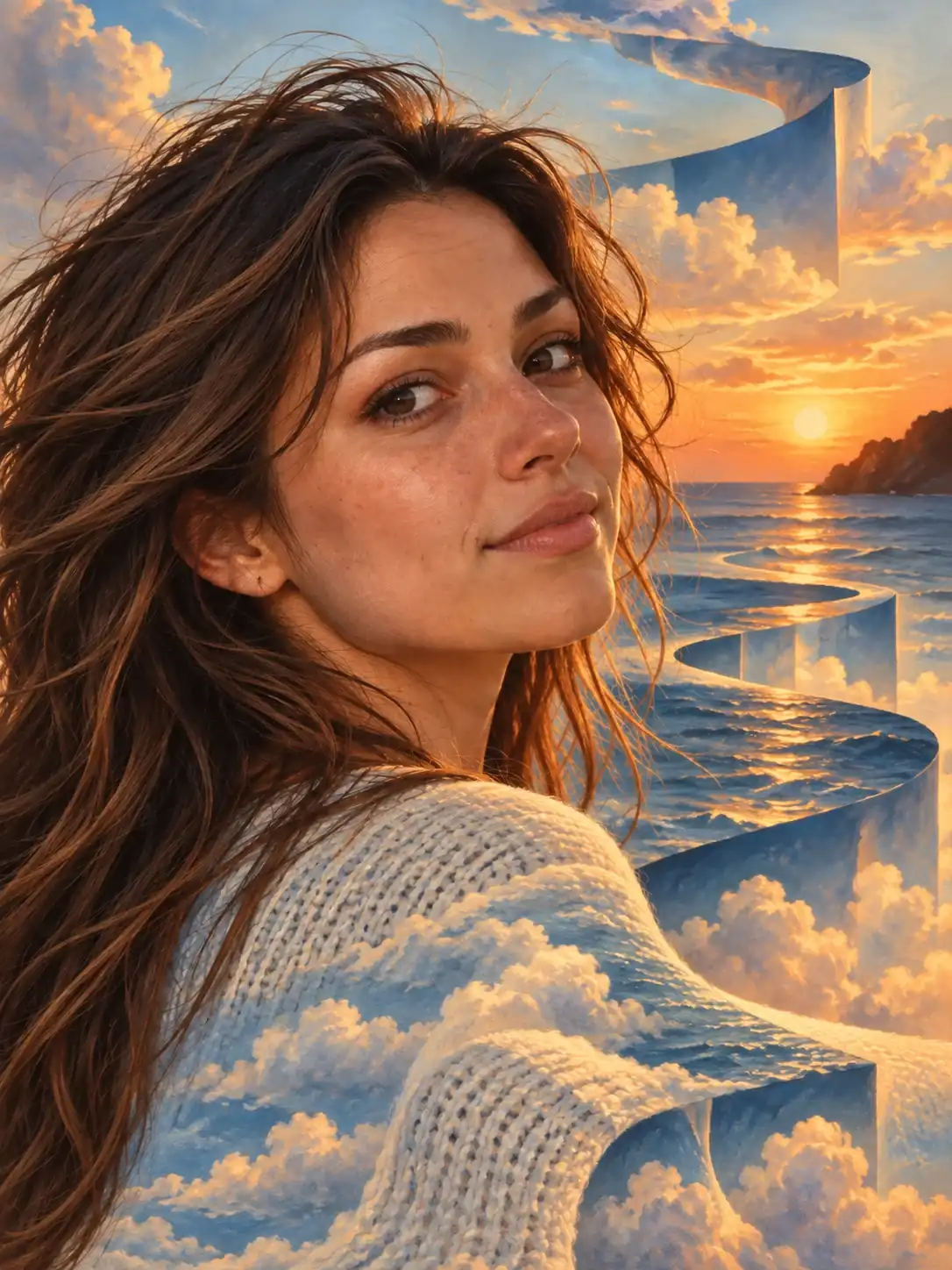
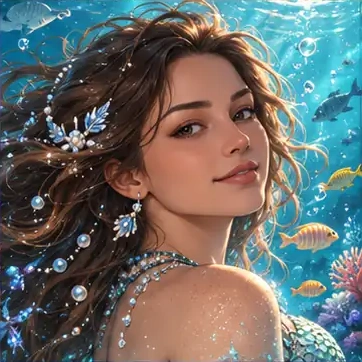
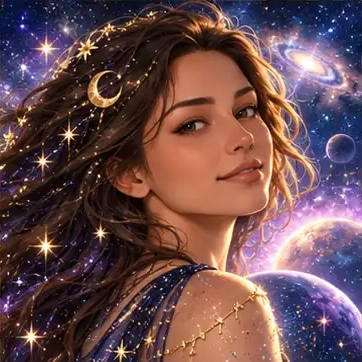
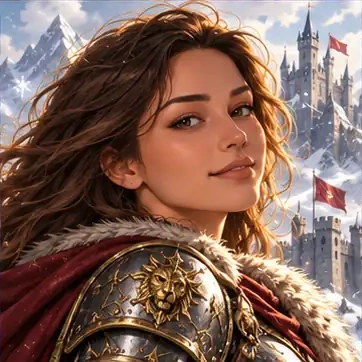
Compare atmospheric lighting, color and imaginative visual themes. Consider whether the mood supports your subject or draws attention away from the parts you want people to notice.
Open the composer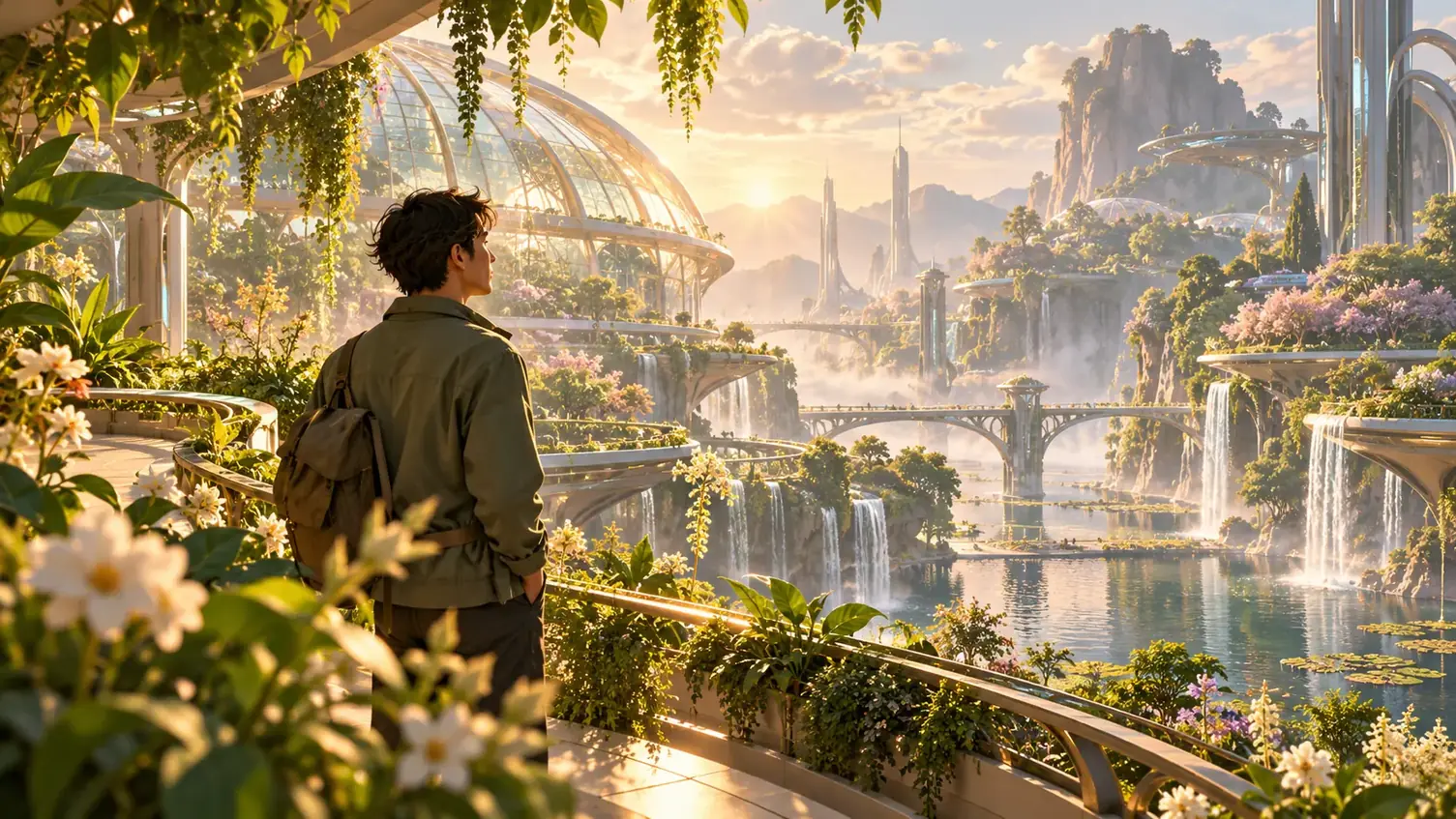
Playful materials
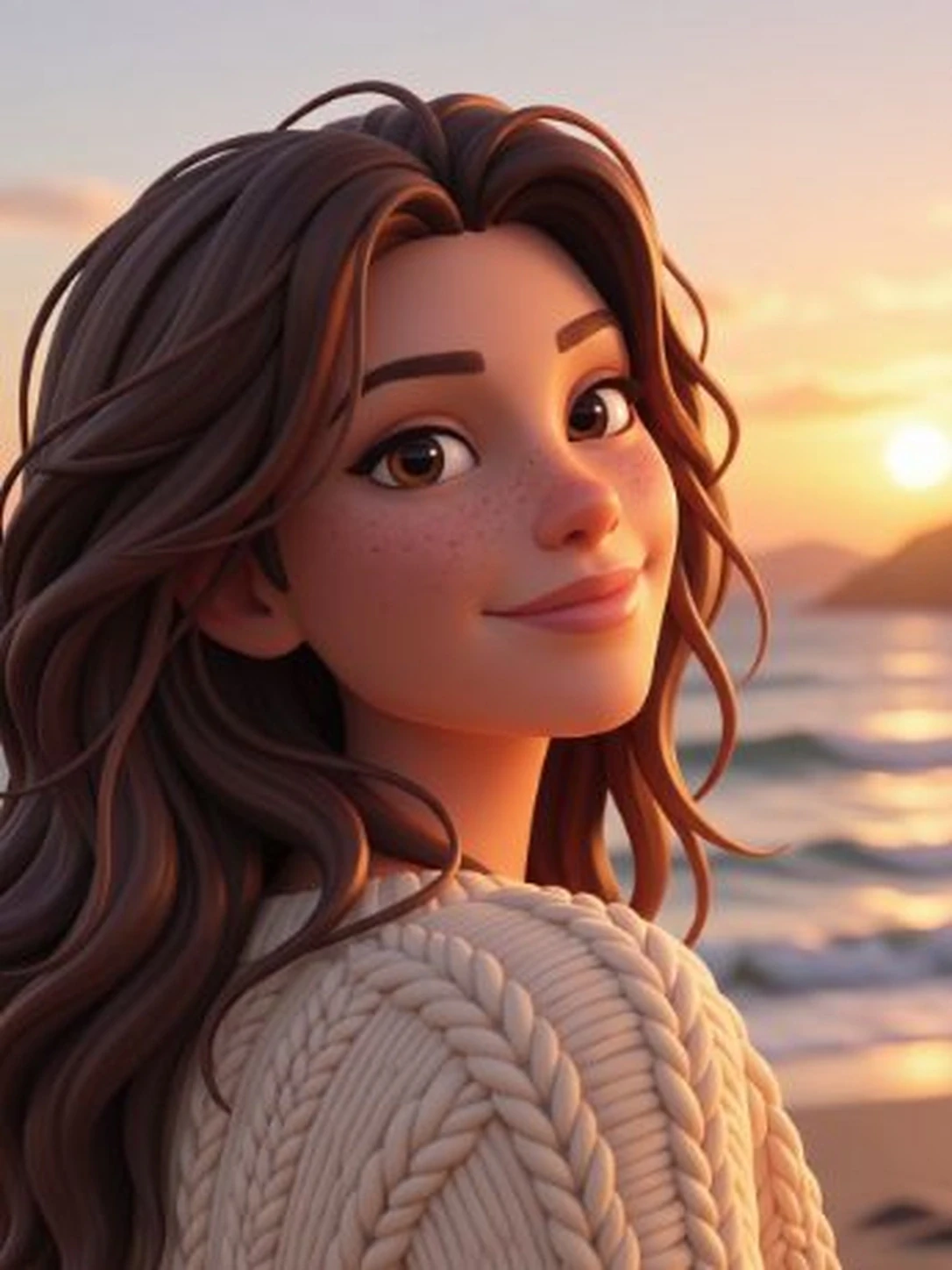
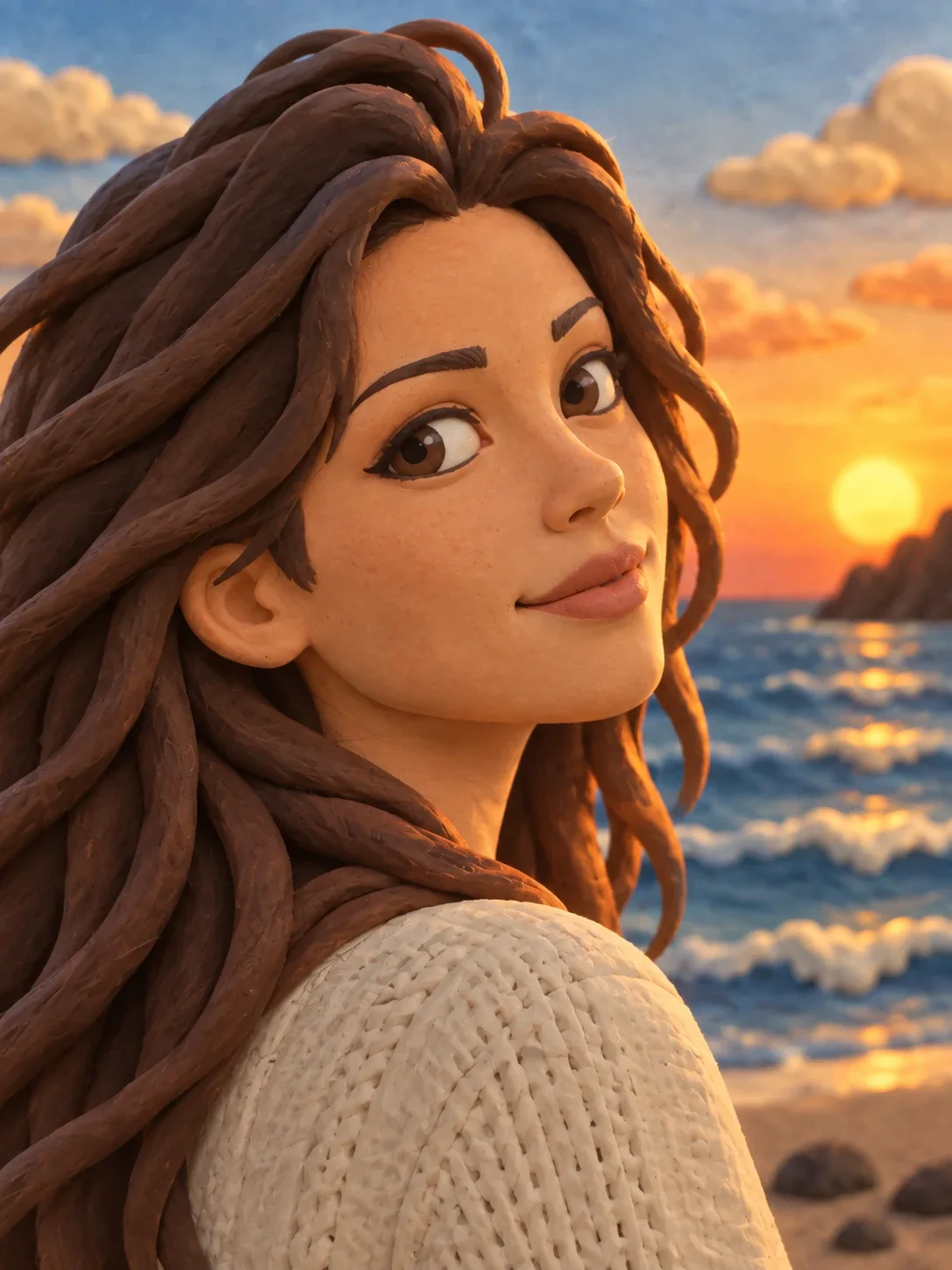
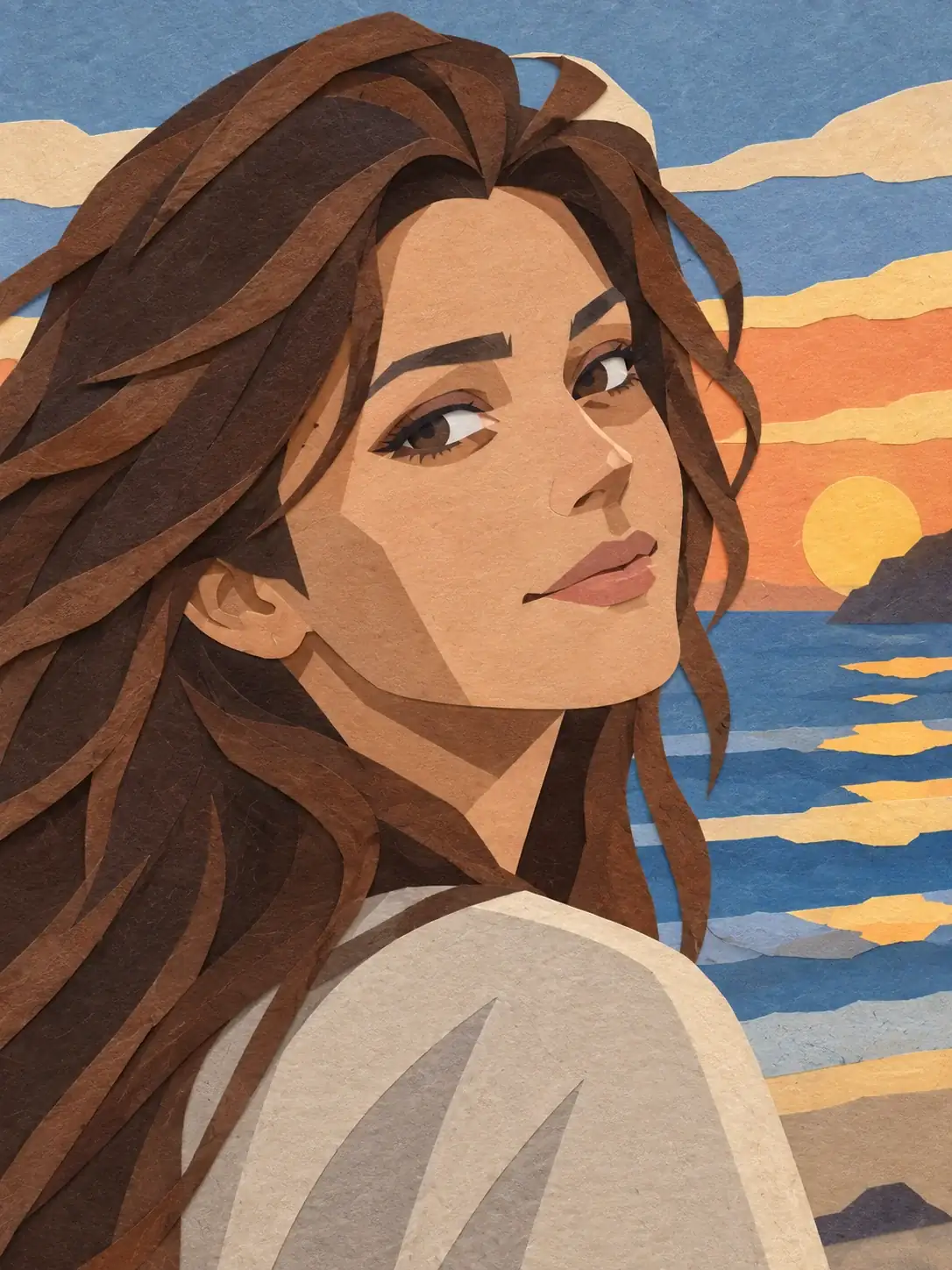
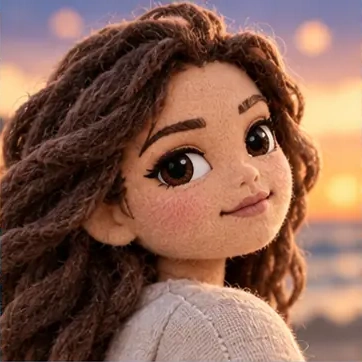
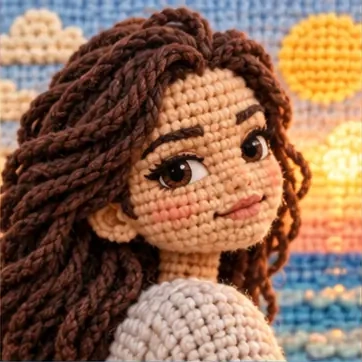
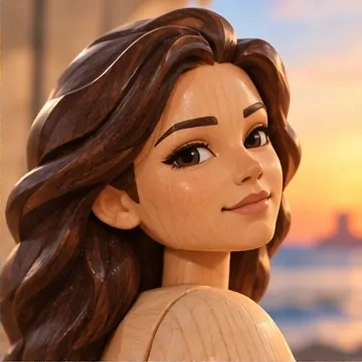
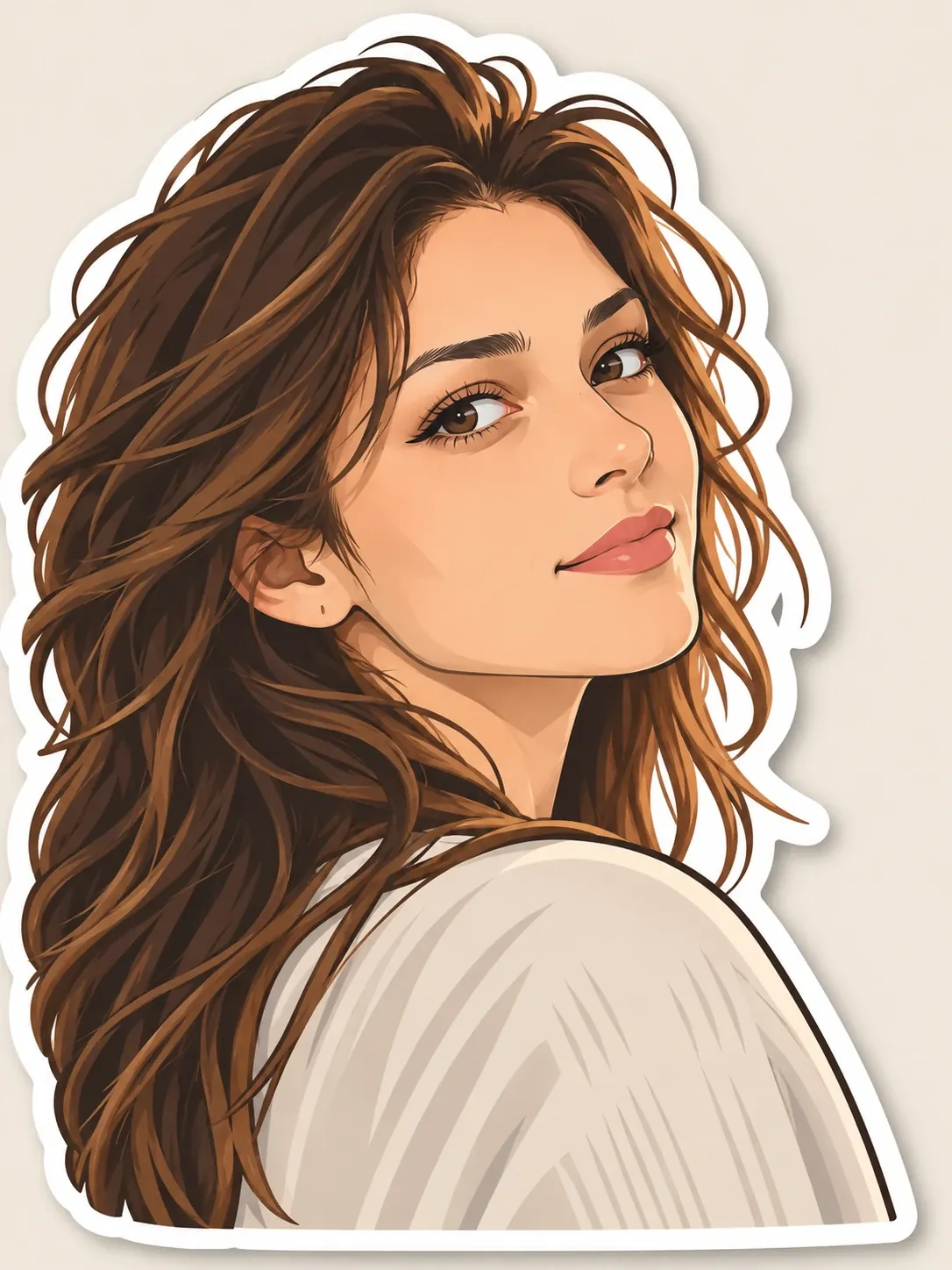
Explore looks built around materials and shapes, such as paper, plush, voxel forms or stickers. These treatments put texture and construction at the center of the picture.
Open the composer
Ways to explore the collection
Classic cartoons
Compare familiar cartoon treatments, from block-based pixel art and hand-drawn animation to rounded, dimensional characters and figure-like forms. Look at how each one simplifies the subject.
Anime and manga
Explore drawn looks that emphasize linework, graphic shadows and expressive shapes. Compare the weight of the outlines, the amount of detail and the treatment of light.
Art and painting
Look for the marks of the medium: watercolor washes, painted color, pencil lines or printed textures. Choose according to the surface and detail you want the picture to suggest.
Fantasy and science fiction
Compare atmospheric lighting, color and imaginative visual themes. Consider whether the mood supports your subject or draws attention away from the parts you want people to notice.
Playful materials
Explore looks built around materials and shapes, such as paper, plush, voxel forms or stickers. These treatments put texture and construction at the center of the picture.
How to choose a cartoon style
Compare the illustrations, choose a style, then bring your photo into the workspace.
Browse, compare and choose
- 01
Find a family of looks
Browse a category that interests you, or search for a name you already know. Use the illustrations to narrow down the kinds of outlines and textures you like.
- 02
Judge the differences side by side
Compare the shape of the face, the edges of clothing and the way each illustration handles light. Consider which treatment suits the photograph you plan to upload.
- 03
Take an available look into the workspace
Check which of your preferred looks is available for conversion, then continue to the photo workspace with your image. Review the settings and credit cost there; browsing a card does not start generation.
What to compare in a style illustration
Start with the edges. Strong outlines make shapes distinct, softer painted edges blend them together, and pixel art describes them with stepped blocks. Those differences affect how much fine detail remains visible.
Next, compare the shading. Flat areas of color read differently from soft gradients or rounded three-dimensional forms. Materials add another distinction: paper, pencil and plush each suggest a different surface even when they depict a similar subject.
Finally, consider the proportions and mood. A large-eyed character, an angular drawing and a figure-like rendering can give the same portrait very different expressions. Choose the treatment that suits your idea, then judge the generated image on its own details.
Questions about choosing a look
What are different styles of cartoons?
Common approaches include flat cartoons, anime-inspired drawings, rounded dimensional characters and pixel art. Painted or material-based looks add other choices; compare linework, shading, proportions and texture to find a direction for your photo.
What cartoon style is best for a profile picture?
Choose a look with a clear face and a simple background. Bold outlines and distinct color areas can help a portrait stay readable at a small size; compare the eyes, hair and expression before choosing your picture.
How do I choose a cartoon style that suits my photo?
Start with the features you want to emphasize. A clear silhouette suits pixel art, an expressive face suits drawn character styles, and visible light and shadow give painted or dimensional looks more shape.
Can I generate an image with every displayed style?
Yes. All 61 styles in the directory can be used to generate cartoon images. Upload a photo, then choose your preferred style in the workspace.
Can I compare different looks using the same photo?
Use the same source photo for each available style you want to compare. Check the settings and credit cost before each generation, then compare the facial features, color and texture in the results.
Will my photo match the style illustration exactly?
The illustration helps you judge the visual direction. Your subject, composition and selected settings affect the result, so use the reference to choose a treatment rather than expecting an identical picture.
How do I choose between a flat and a dimensional look?
Compare how each treatment describes light and shape. Flat styles rely more on outlines and separate color areas; dimensional styles use volume and softer shading. Pick the approach that supports the expression and detail you want to emphasize.
Do I need an account and credits to try a look?
You need to sign in to generate an image in the photo workspace. Generation is charged in credits; see the pricing page for current details and check the displayed cost before submitting.