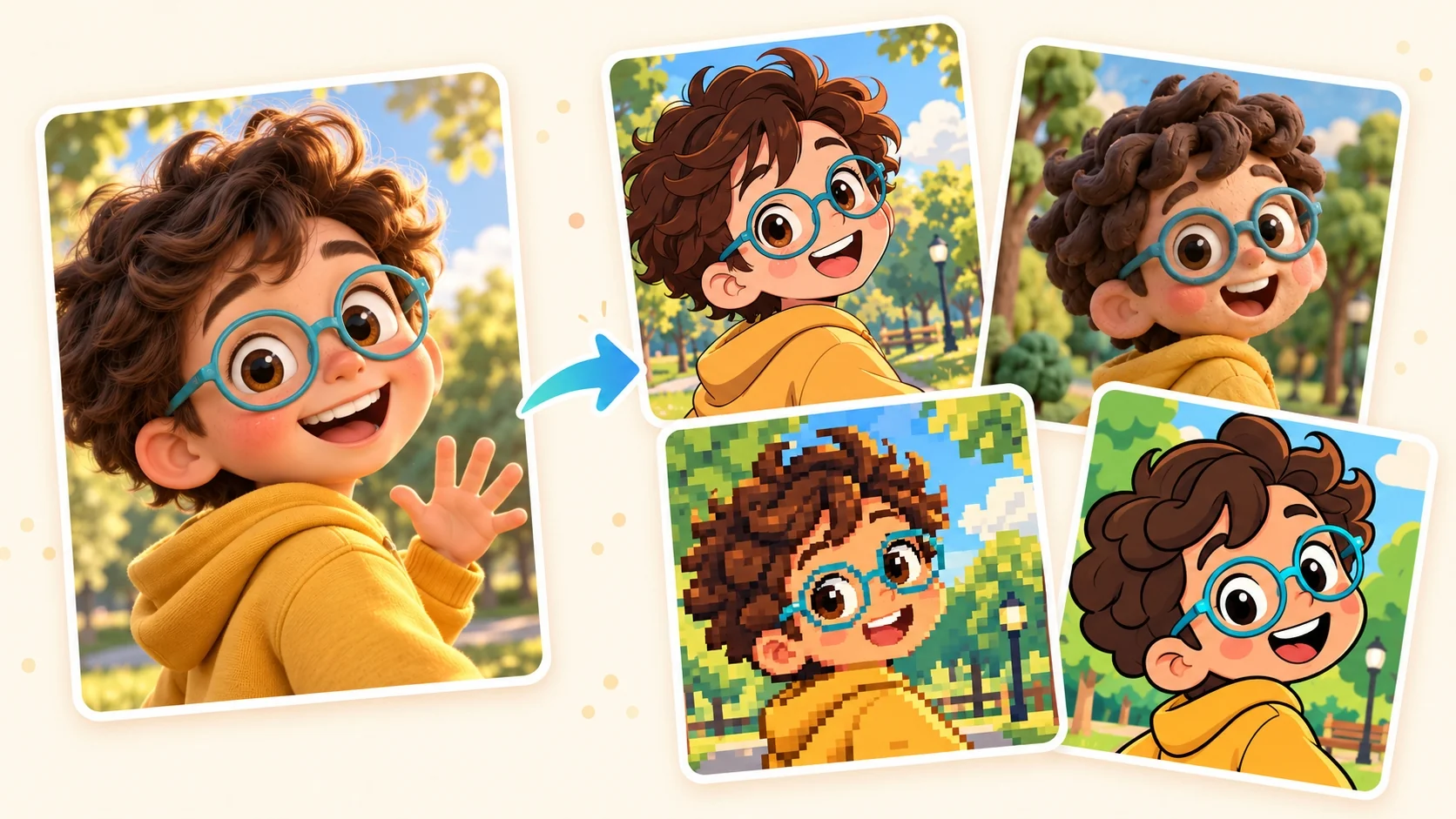
A closer look at Clay Animation
Clay Animation gives the image the tactile character of a miniature set. Softly rounded masses and subtle tool marks suggest material shaped by hand, with a matte finish rather than shiny plastic.
A closer look at Clay Animation
Clay Animation gives the image the tactile character of a miniature set. Softly rounded masses and subtle tool marks suggest material shaped by hand, with a matte finish rather than shiny plastic.
Open the composer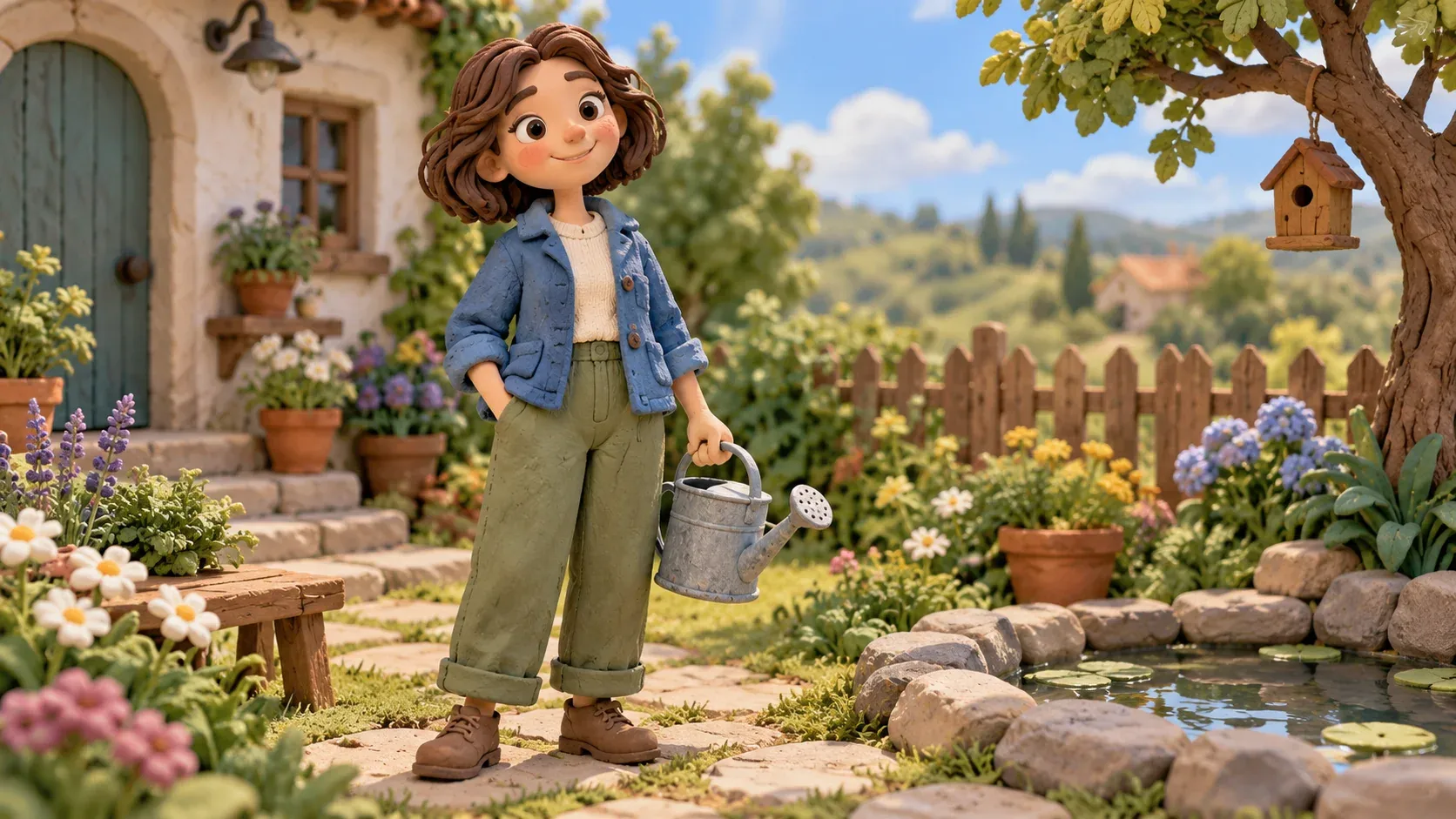
Hand-sculpted forms
Rounded volumes and slight asymmetry make the subject feel constructed from clay.
Open the composer
Tactile surface marks
Small seams and tool-like impressions add a handmade quality to appropriate surfaces.
Open the composer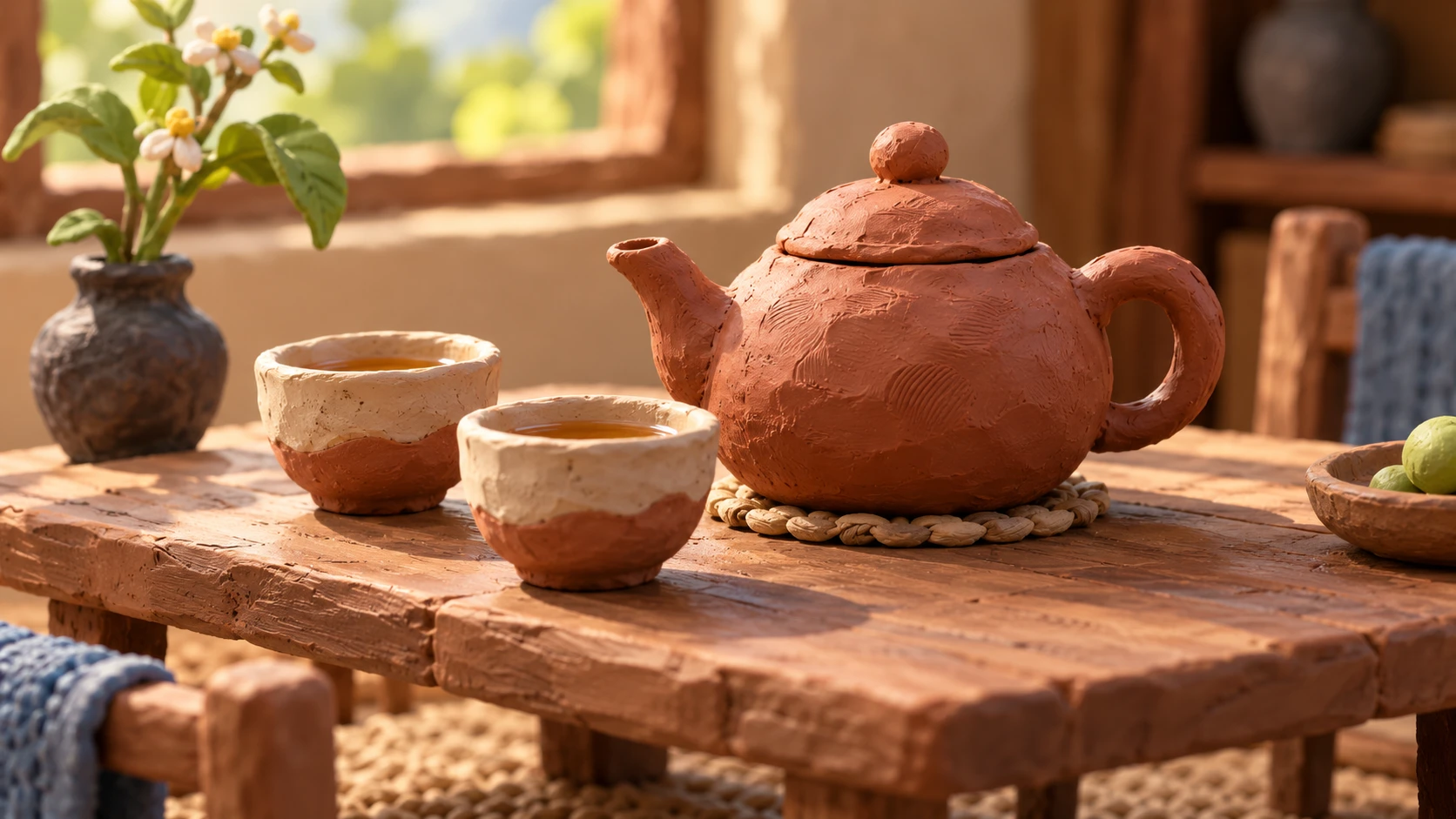
Miniature-set light
Soft shadows give neighboring clay forms a sense of contact and scale.
Open the composer
When to choose Clay Animation
Choose the clay look for a handmade miniature feel. Its appeal is rounded sculpting and slight surface irregularities, whereas a manufactured toy look emphasizes smooth plastic and polished highlights.
Open the composer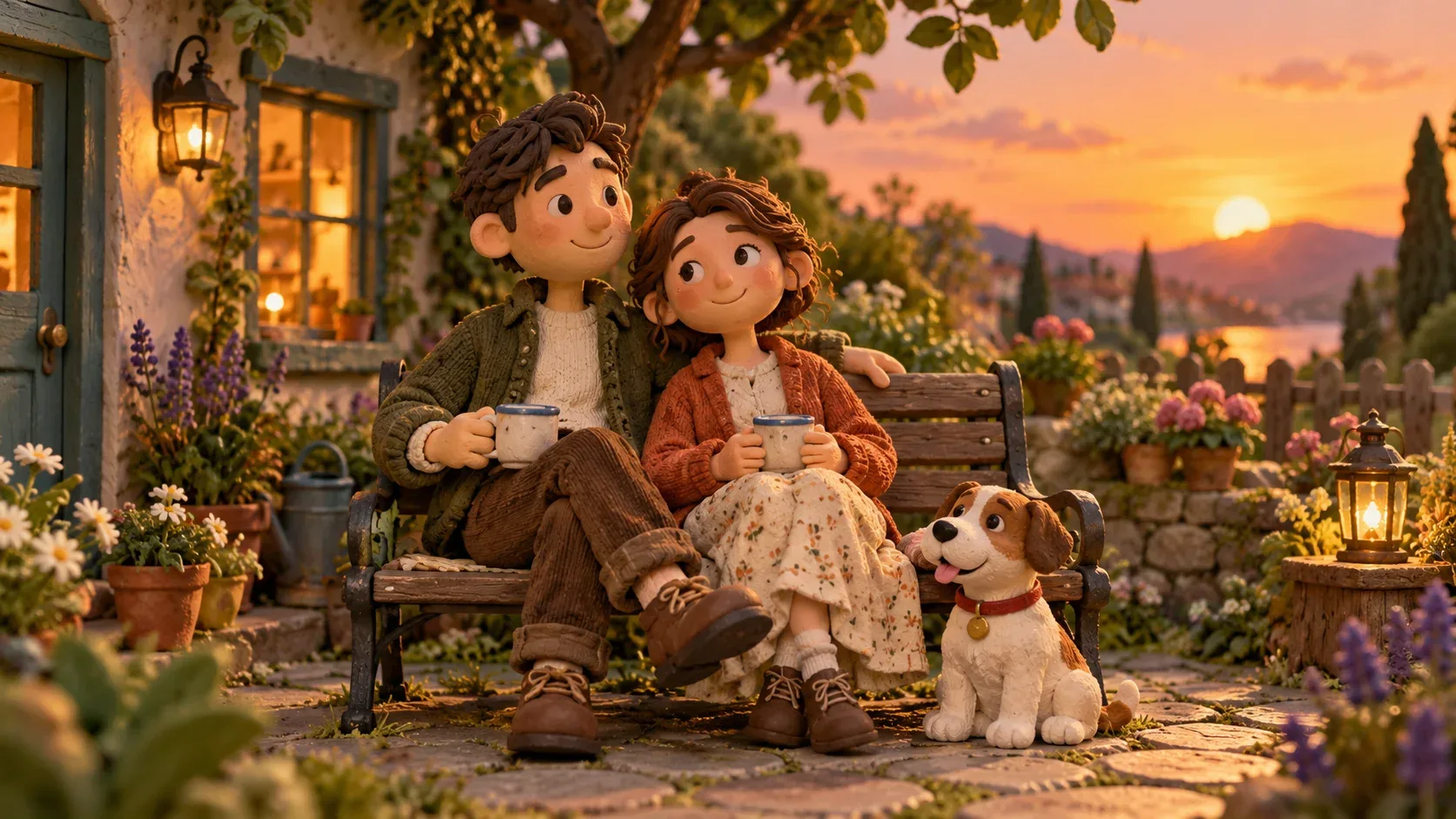
The visual character of Clay Animation
How to create your Clay Animation image
From broad shapes to a clay scene
- 01
Choose shapes for a clay model
Use a photo with broad, distinct shapes that could read as a small clay model without relying on fine skin or fabric texture.
- 02
Prepare the clay-look image
If Clay Animation can be selected for generation, upload your reference and check the image settings and credit cost before signing in to create a clay-look still.
- 03
Examine the sculpted surfaces
Look for consistent matte surfaces and contact shadows between the sculpted shapes, then download the clay-style image once you have reviewed it.
When to choose Clay Animation
Choose the clay look for a handmade miniature feel. Its appeal is rounded sculpting and slight surface irregularities, whereas a manufactured toy look emphasizes smooth plastic and polished highlights.
Clay Animation questions
Will this produce a stop-motion video?
The clay treatment described here is for a still image. A stop-motion video requires a sequence of changing frames, so do not expect movement from a single clay-style picture.
How is clay different from plush or plastic?
Clay reads through sculpted masses and matte tool-marked surfaces. Plush relies on sewn fabric and pile; plastic relies on smoother molded surfaces and more controlled highlights.
Do I need an account, and how is generation charged?
You need to sign in to generate an image. Generation is charged in credits; see the pricing page for current details.