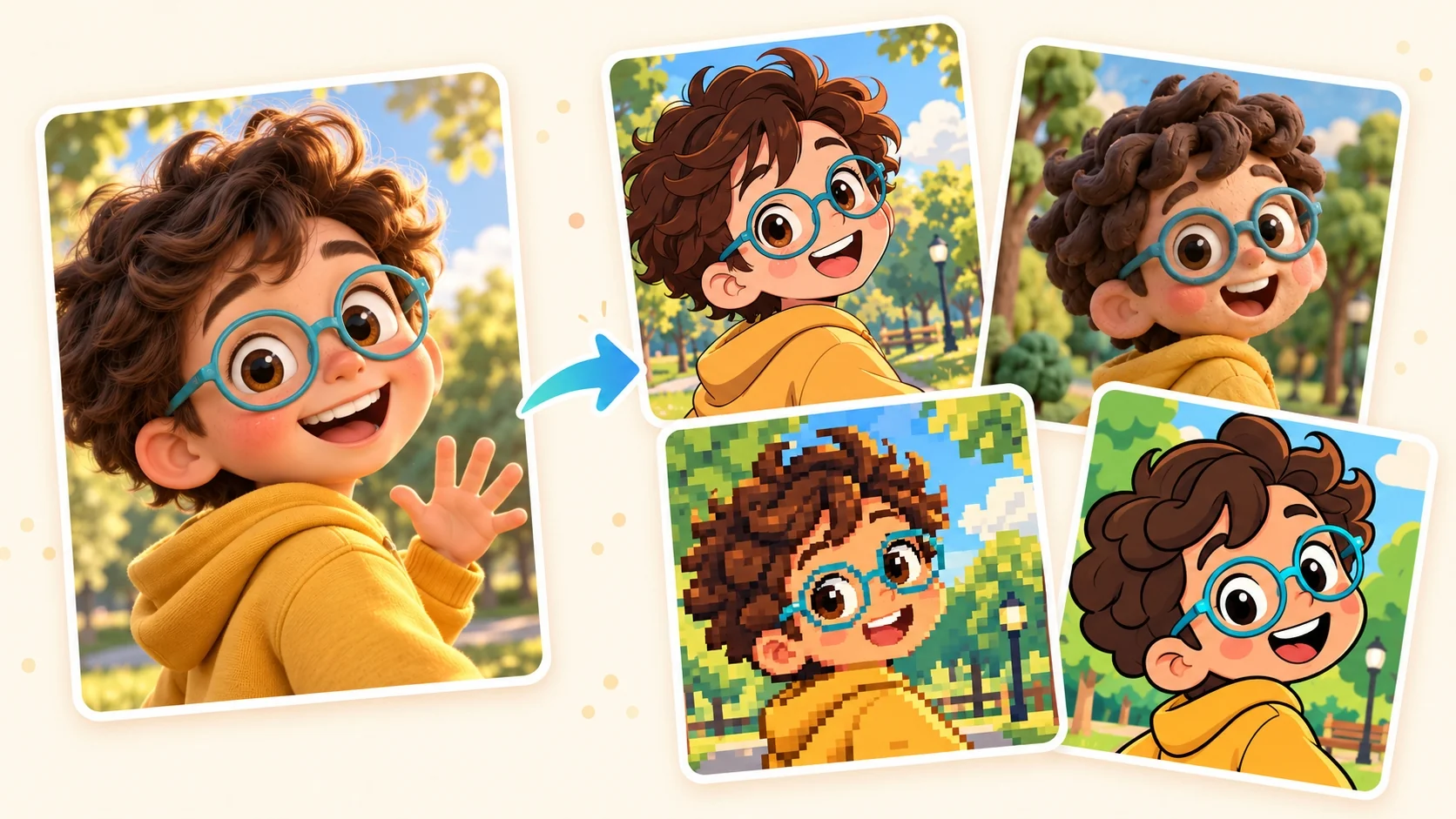
A closer look at Pixel Art
Pixel art describes a subject through small blocks rather than continuous photographic detail. A readable silhouette and a few strong color relationships do much of the work, giving the image a deliberate retro digital character.
A closer look at Pixel Art
Pixel art describes a subject through small blocks rather than continuous photographic detail. A readable silhouette and a few strong color relationships do much of the work, giving the image a deliberate retro digital character.
Open the composer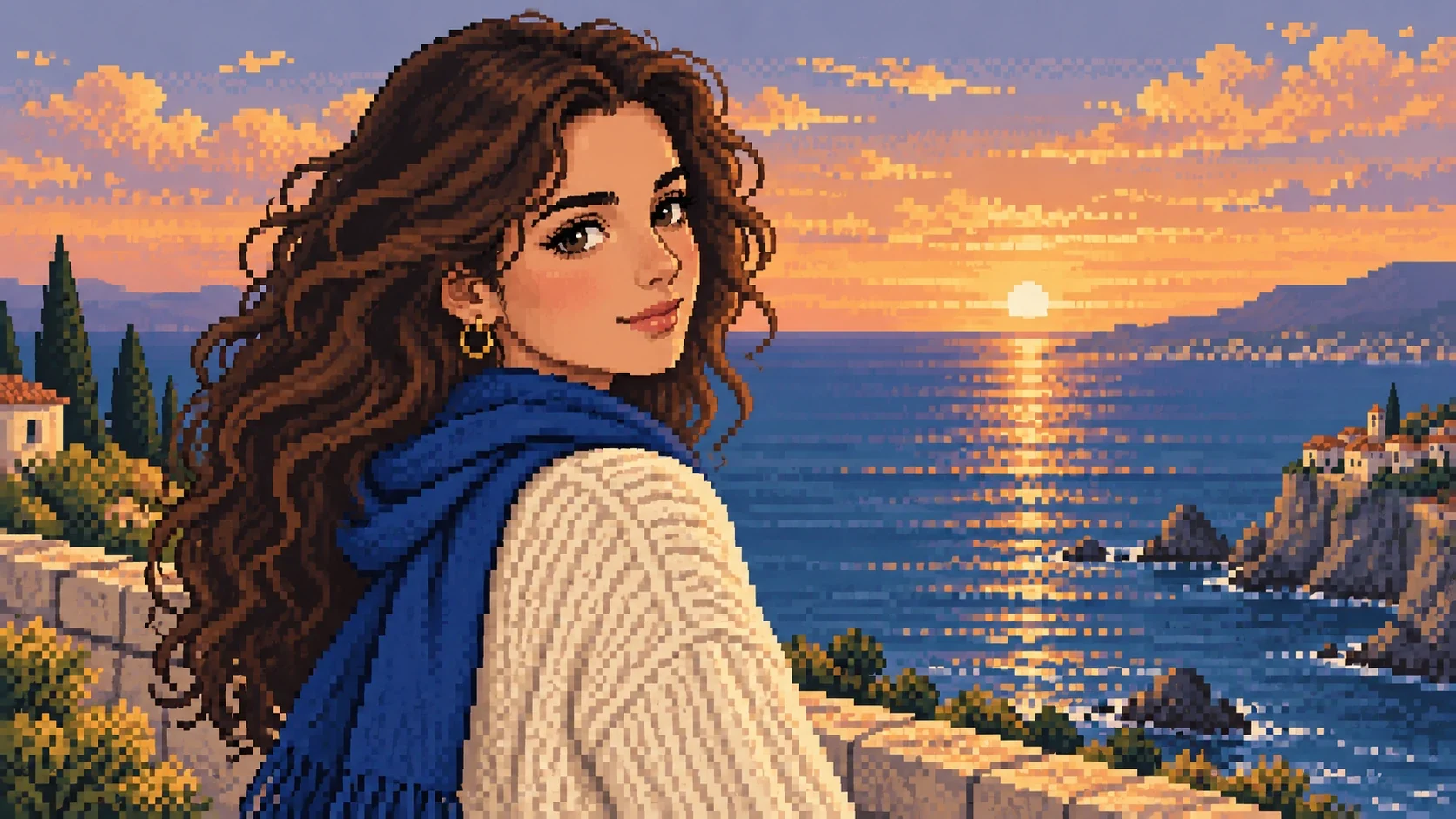
Stepped silhouettes
Square-edged contours turn curves into a visible rhythm of blocks.
Open the composer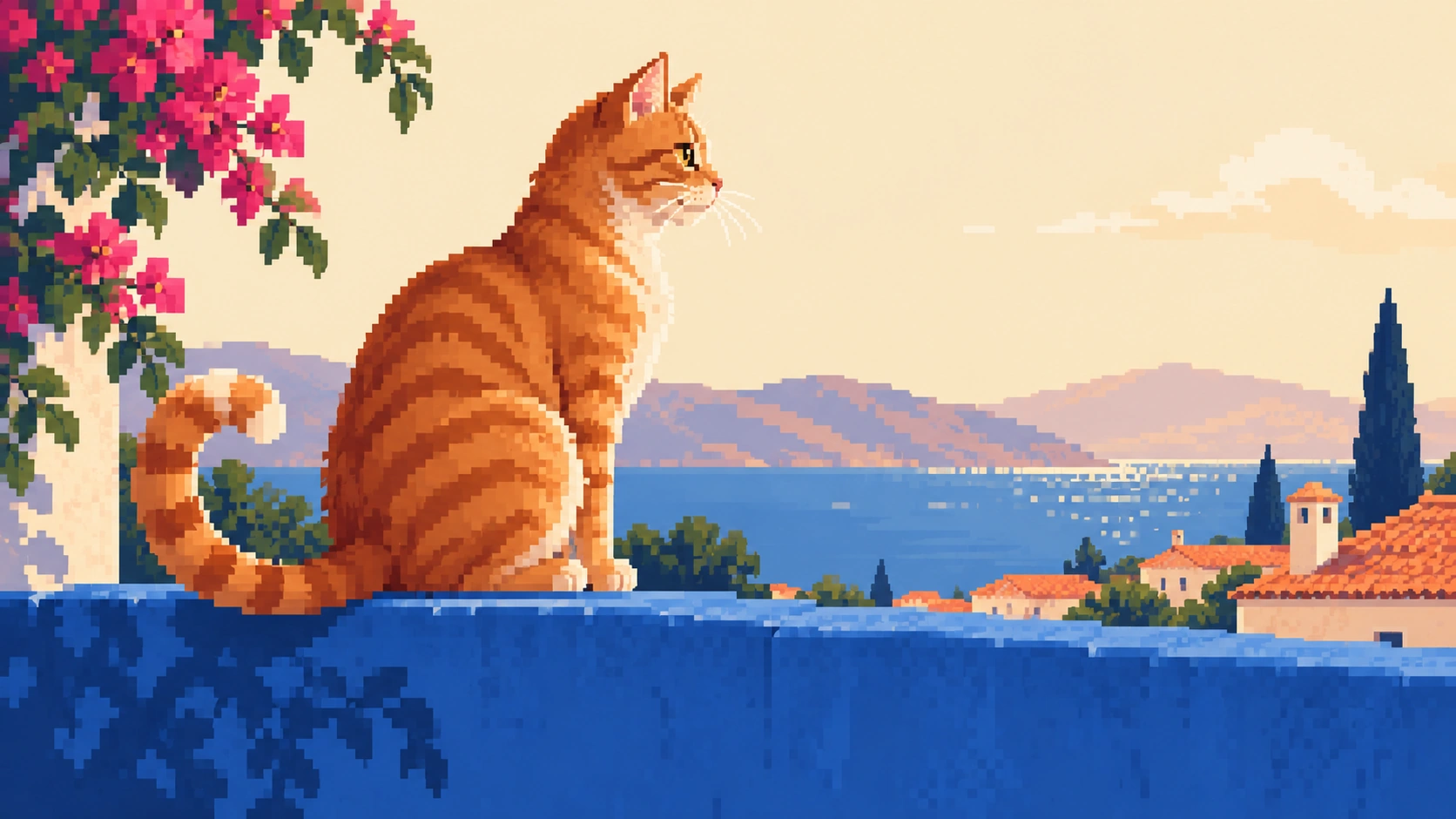
Compact color groups
Separate areas of light and shadow replace soft photographic gradients.
Open the composer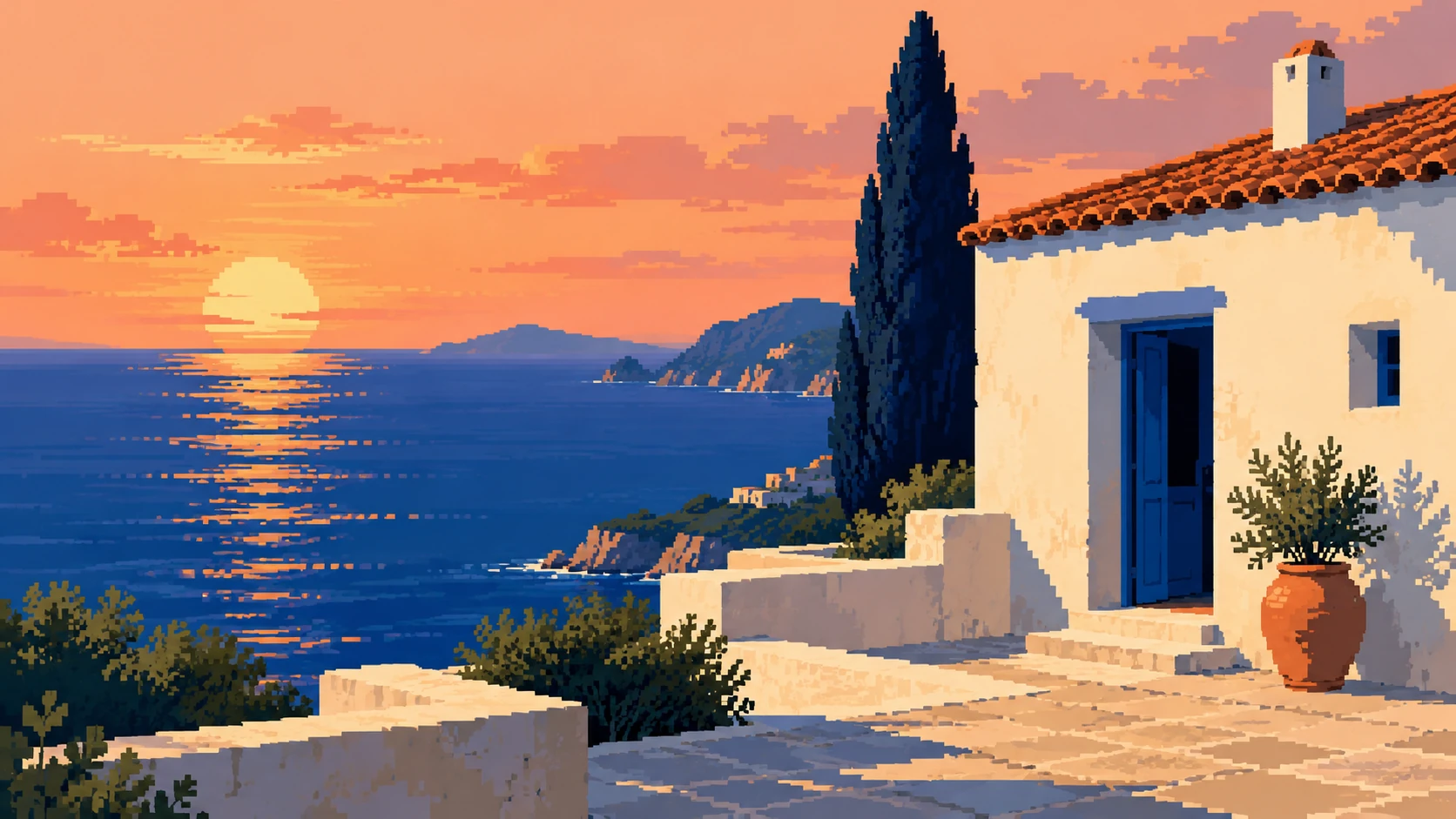
Readable small details
Eyes, accessories and other identifying features become carefully simplified color clusters.
Open the composer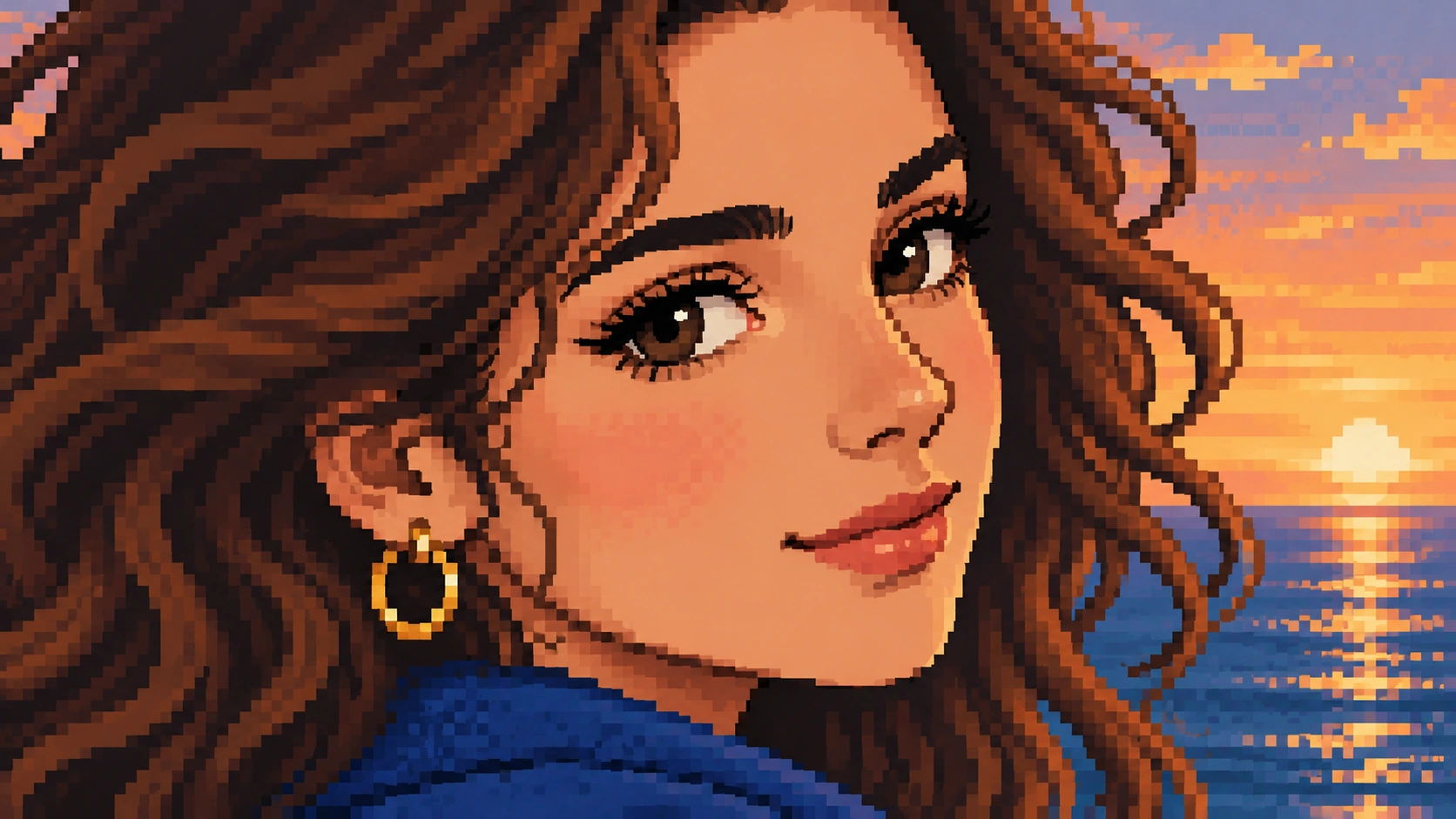
When to choose Pixel Art
Choose this look when a recognizable silhouette matters more than tiny texture. Pixel art suggests a flat drawing made of square color clusters, rather than a scene built from three-dimensional cubes.
Open the composer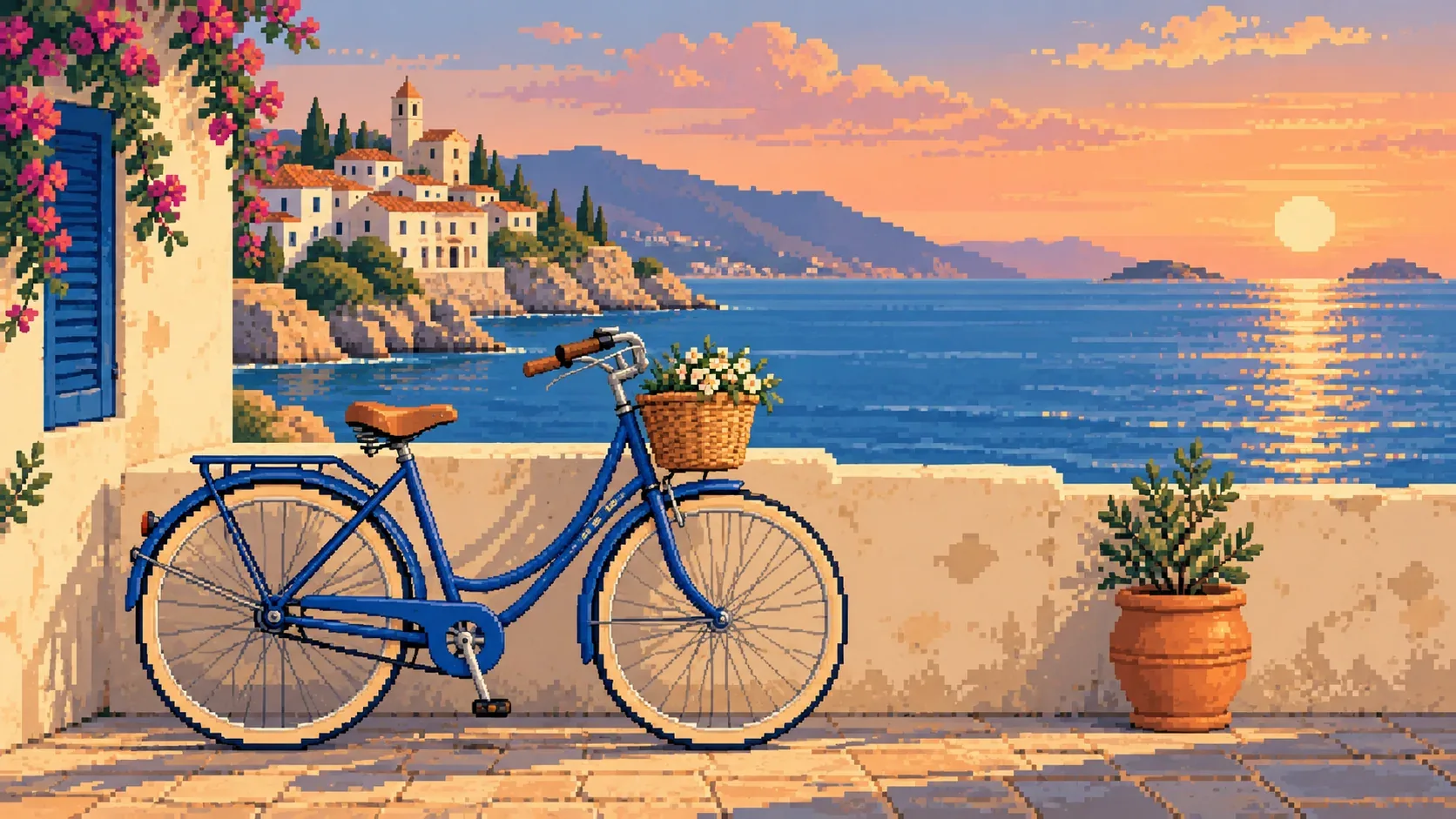
The visual character of Pixel Art
How to create your Pixel Art image
From a silhouette to pixel clusters
- 01
Find a clear silhouette
Upload a photo with a strong silhouette and clear separation from its background so the subject can read as blocks.
- 02
Prepare the block-based image
If Pixel Art is available, select it for your uploaded photo, check the shown settings and credit cost, then sign in to generate the block-based version.
- 03
Inspect the pixel clusters
Inspect the pixel clusters around eyes, glasses and narrow edges before downloading the result you want to keep.
When to choose Pixel Art
Choose this look when a recognizable silhouette matters more than tiny texture. Pixel art suggests a flat drawing made of square color clusters, rather than a scene built from three-dimensional cubes.
Pixel Art questions
How is pixel art different from a low-resolution photo?
Pixel art uses intentional blocks, simplified shapes and distinct color groups. Simply shrinking a photograph leaves continuous photographic shading instead of designing a pixel-based picture.
Does pixel art mean my download has to be tiny?
The block pattern describes the look of the image, not its file dimensions. Check the output options offered for your selected style rather than assuming the visible blocks determine the download size.
Do I need an account, and how is generation charged?
You need to sign in to generate an image. Generation is charged in credits; see the pricing page for current details.