
A closer look at Watercolor
A watercolor painting builds form through transparent layers and the light of the paper. Pigment can pool or soften at an edge, while selected sharper details keep the focal subject readable.
A closer look at Watercolor
A watercolor painting builds form through transparent layers and the light of the paper. Pigment can pool or soften at an edge, while selected sharper details keep the focal subject readable.
Open the composer
Transparent washes
Layered color lets lighter paper areas contribute to the painted light.
Open the composer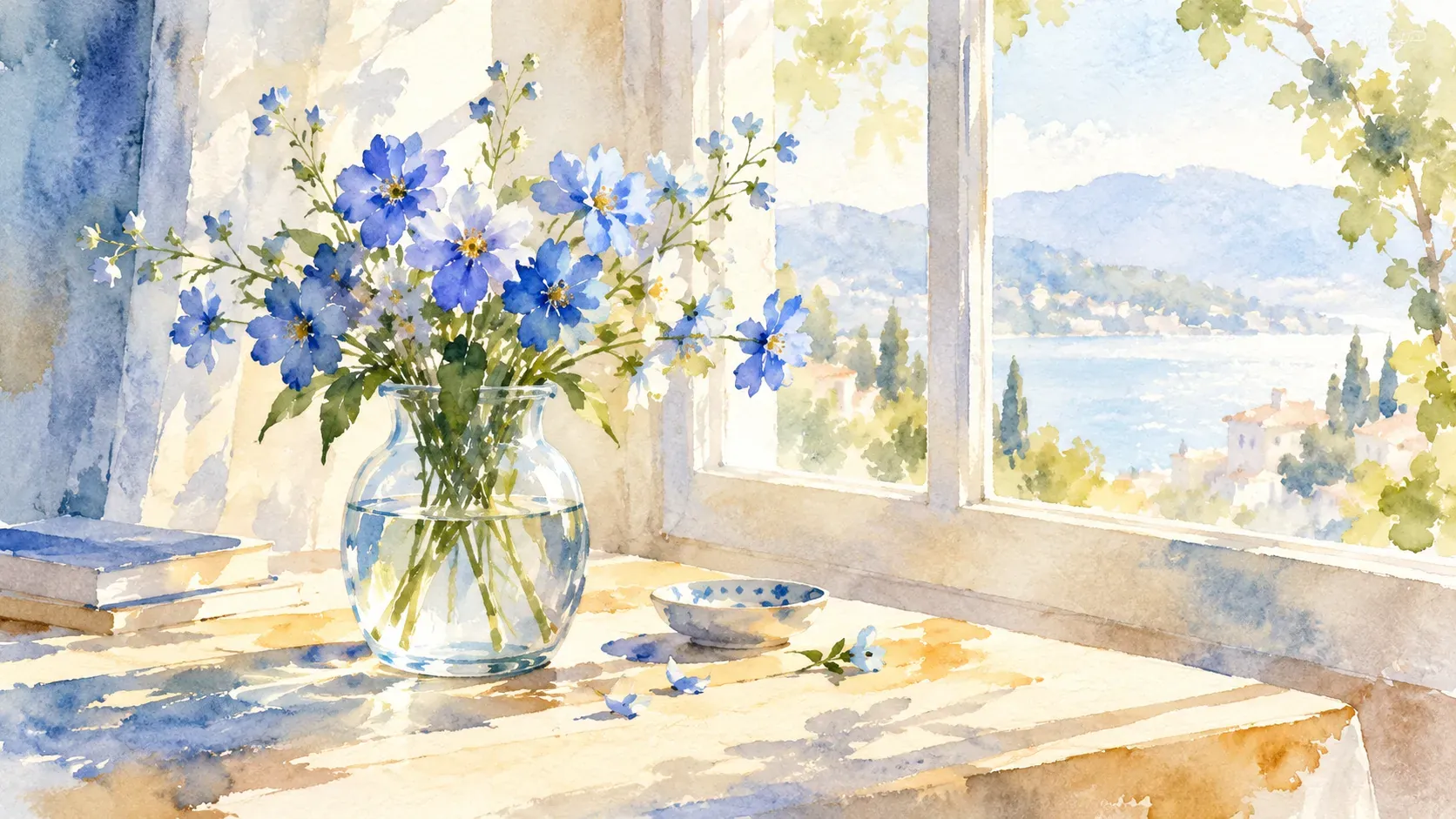
Natural pigment variation
Blooms, granulation and uneven coverage create a fluid material character.
Open the composer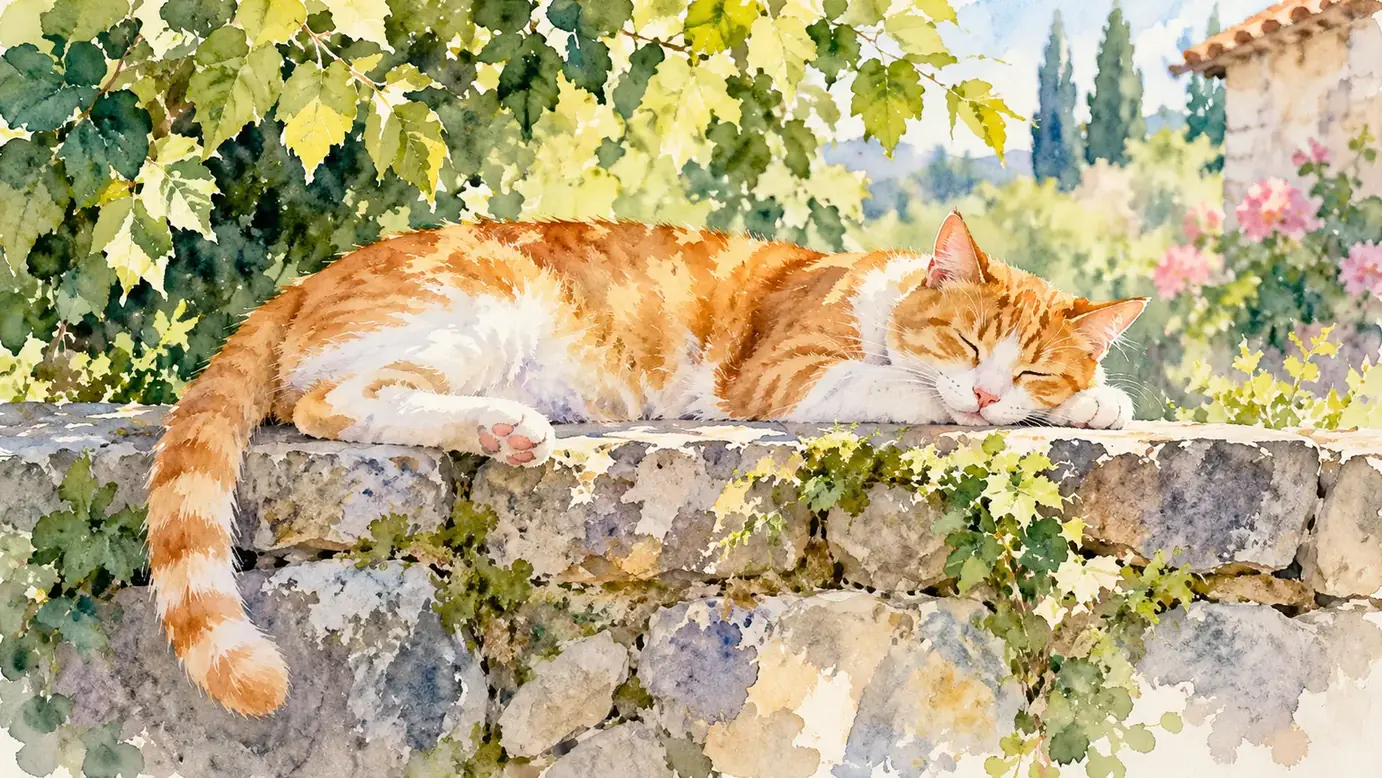
Selective sharp edges
A few precise contours give focus to an otherwise softer painting.
Open the composer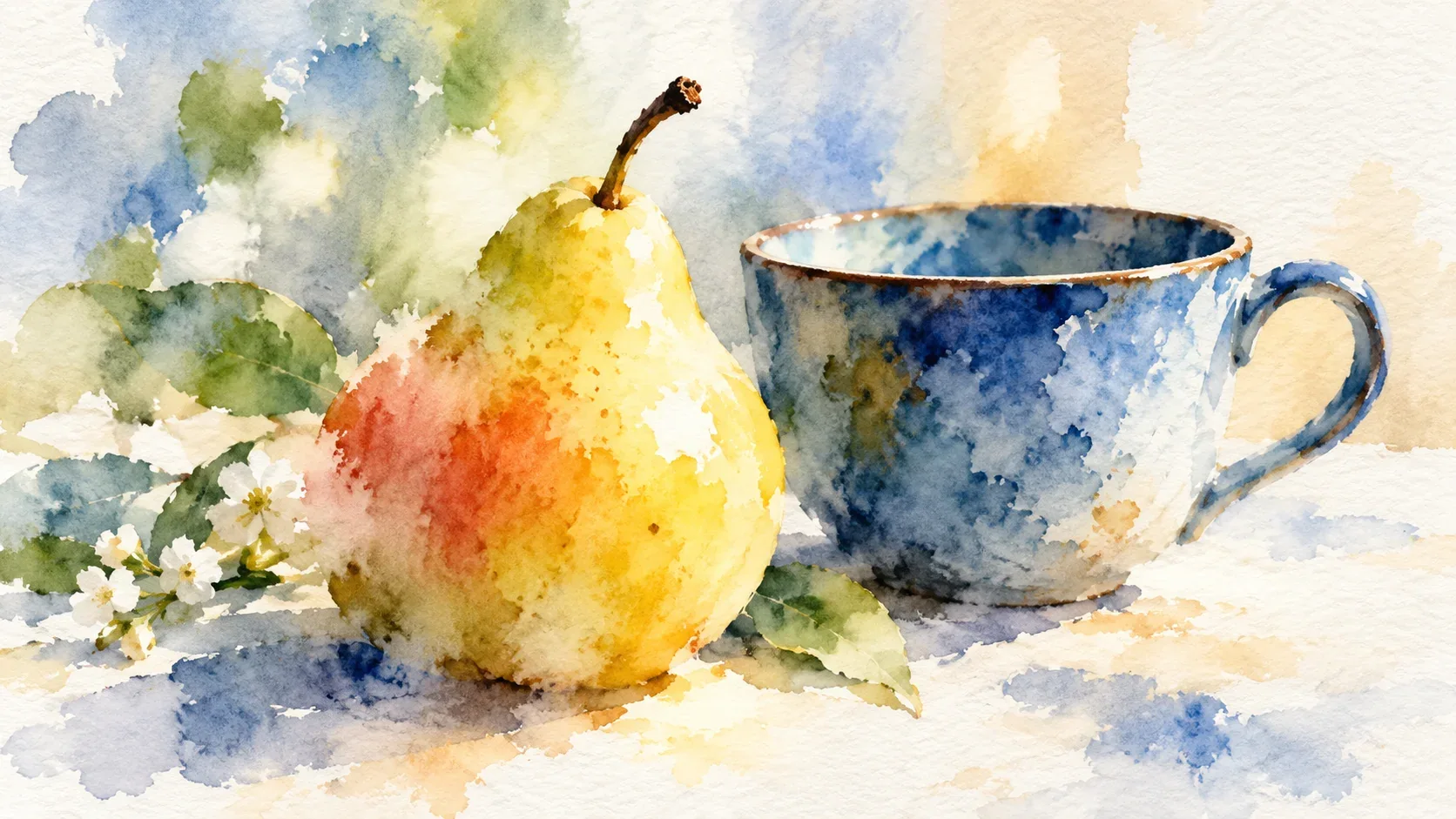
When to choose Watercolor
Choose this direction when soft edges and light washes suit the photo. Oil Painting has a heavier painted appearance, with opaque color and more visible brush marks.
Open the composer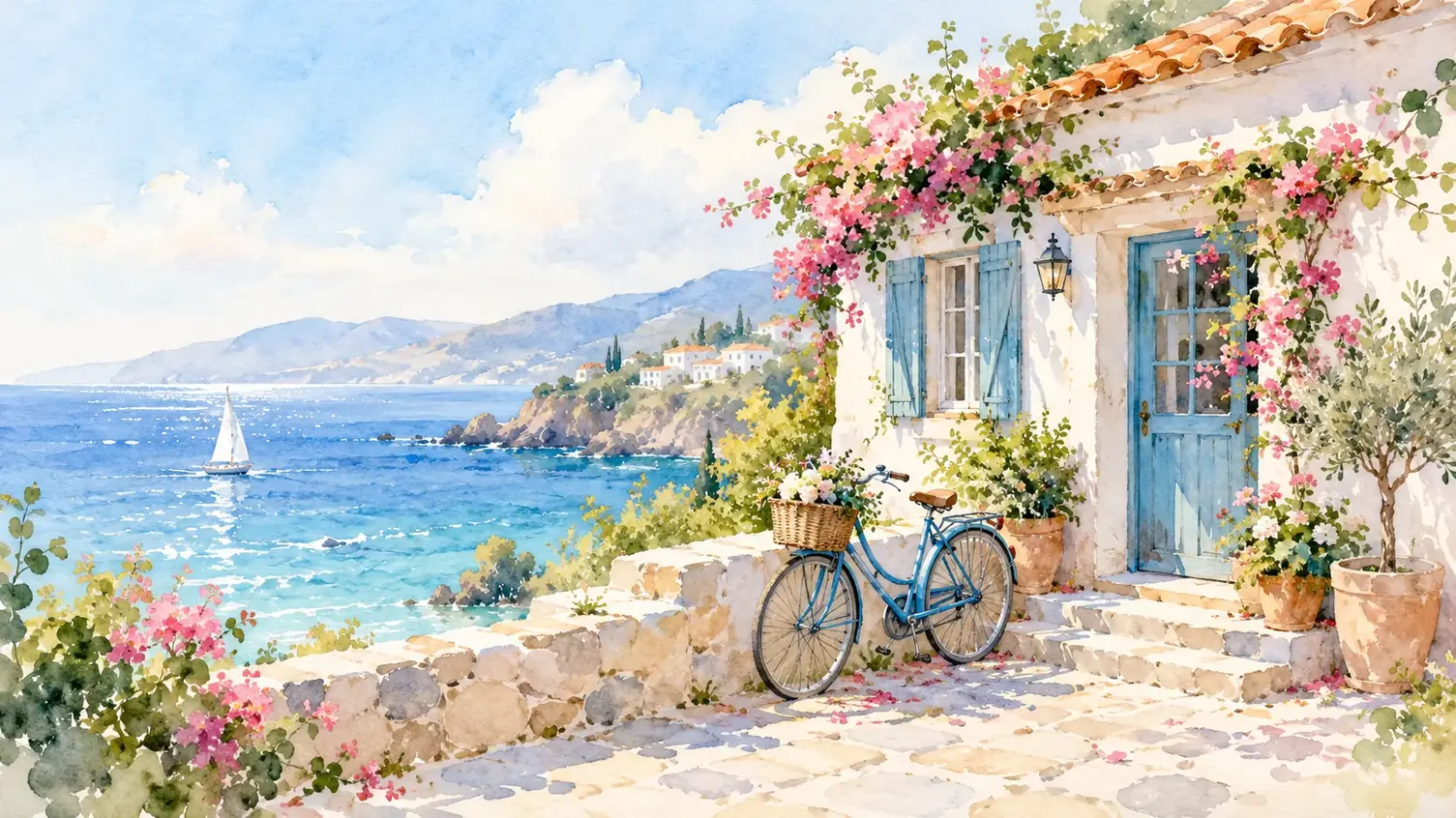
Details to look for in Watercolor
How to create your Watercolor image
From focal colors to soft washes
- 01
Choose colors that suit translucent washes
Choose a clear focal subject and a color arrangement that can remain readable through translucent layers.
- 02
Set up the soft painted washes
Add the softly lit photo, then check whether Watercolor is available to generate. For an available option, sign in, review its supported settings and credit cost, and submit the image.
- 03
Inspect soft edges and focal detail
Check the important features, reserved highlights and balance between soft washes and crisp focal detail.
When to choose Watercolor
Choose this direction when soft edges and light washes suit the photo. Oil Painting has a heavier painted appearance, with opaque color and more visible brush marks.
Watercolor questions
How can I give my photo a watercolor look here?
Upload a photo with a clear subject and gentle lighting, then choose Watercolor if it is available for generation. After checking the cost and submitting, compare the important features with the original; soft painted edges may simplify fine detail.
Does creating a watercolor image here cost credits?
Yes. You need to sign in, and generation is charged in credits. Visit the pricing page for current details and check the credit cost shown before submitting your image.
Will the painted version keep every fine detail?
Soft washes tend to simplify small textures and edges away from the main subject. Check details that matter to you, such as eyes or the outline of a pet, instead of expecting every photographic texture to remain.