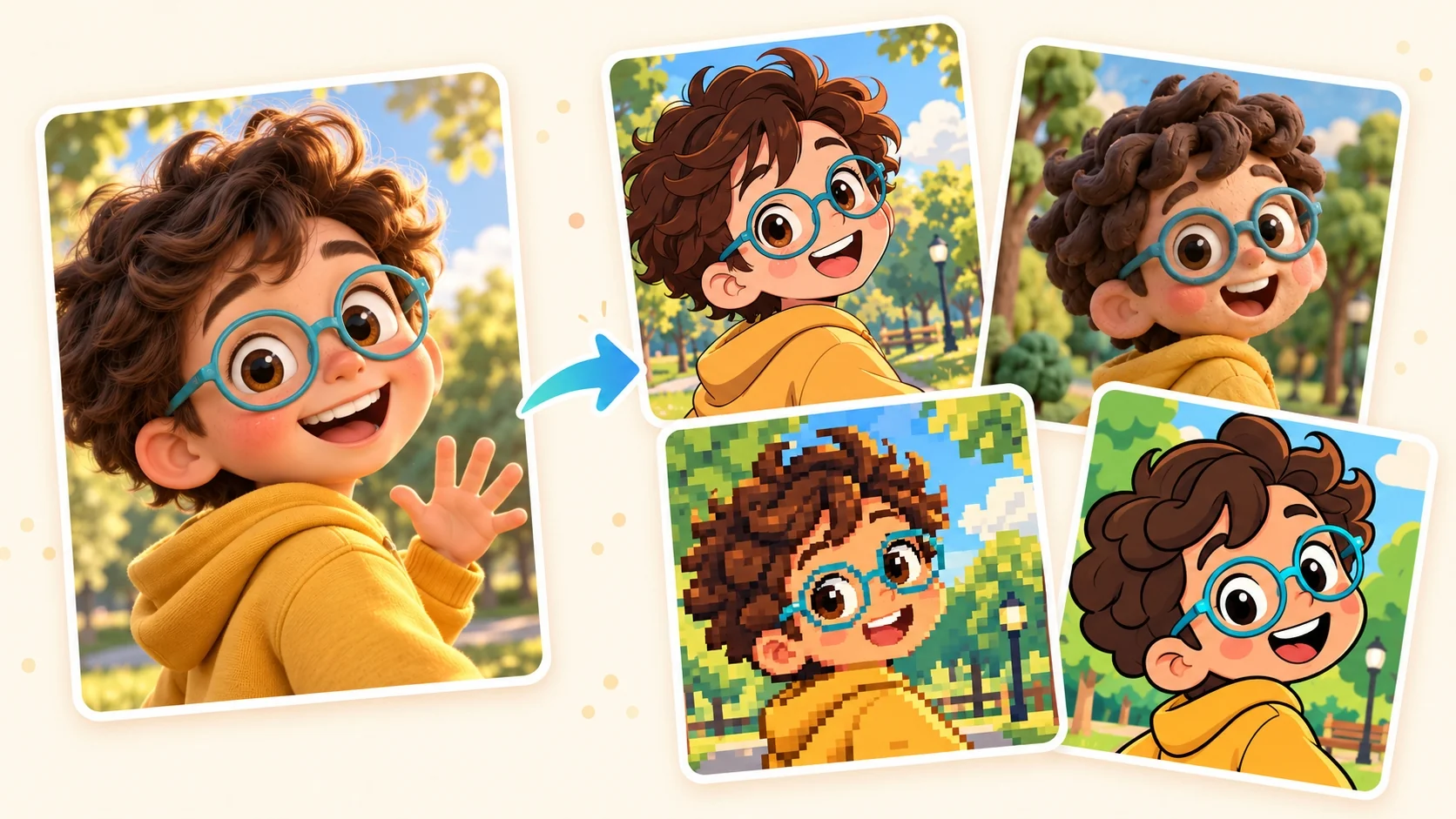
A closer look at Pop Art
A pop-art treatment gives the source a deliberately graphic presence. Contrasting color fields and print-like dots replace subtle photographic modeling, making the arrangement of big shapes immediately important.
A closer look at Pop Art
A pop-art treatment gives the source a deliberately graphic presence. Contrasting color fields and print-like dots replace subtle photographic modeling, making the arrangement of big shapes immediately important.
Open the composer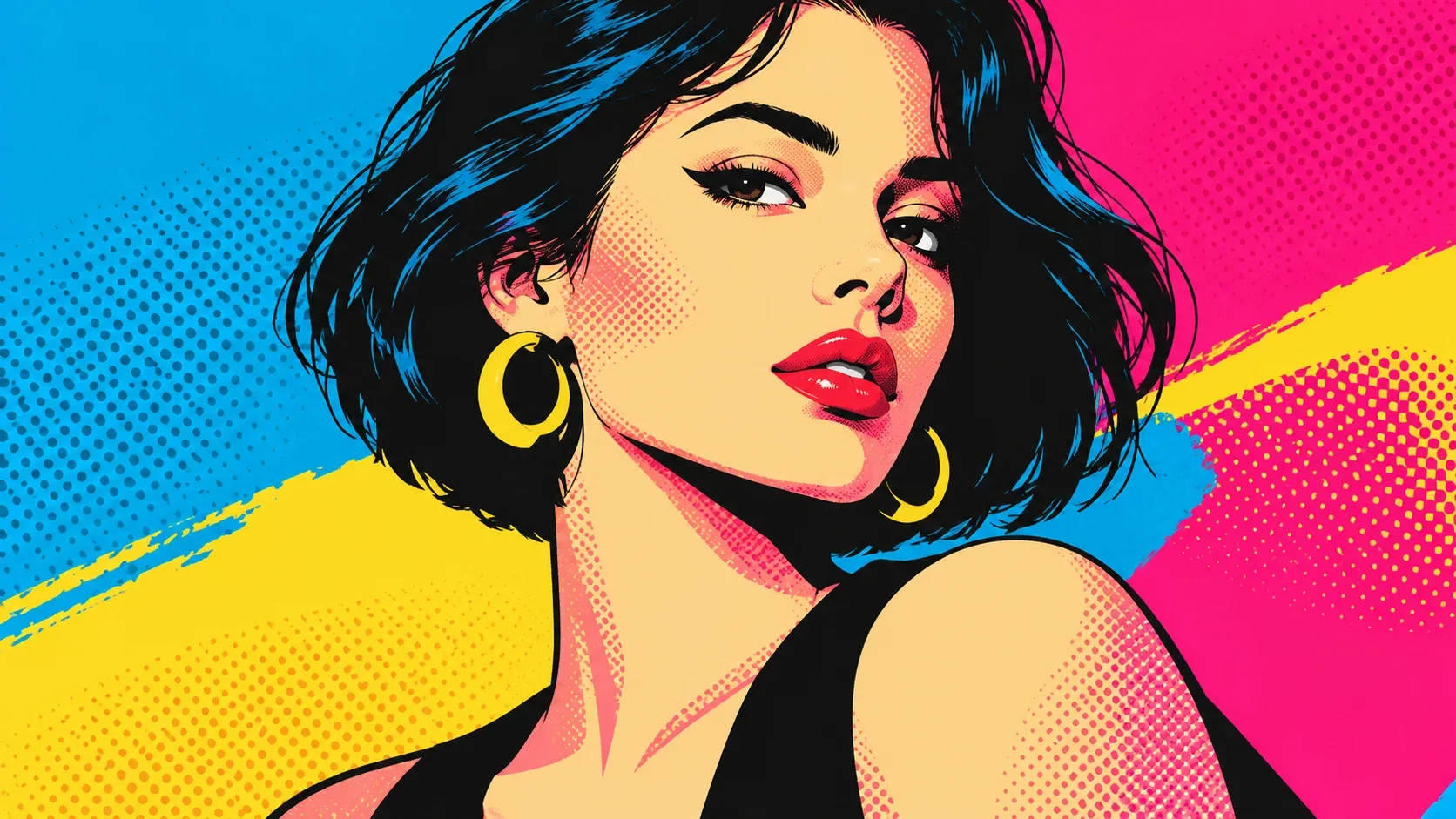
Bold color fields
Saturated cyan, magenta, yellow and dark areas create clear visual contrast.
Open the composer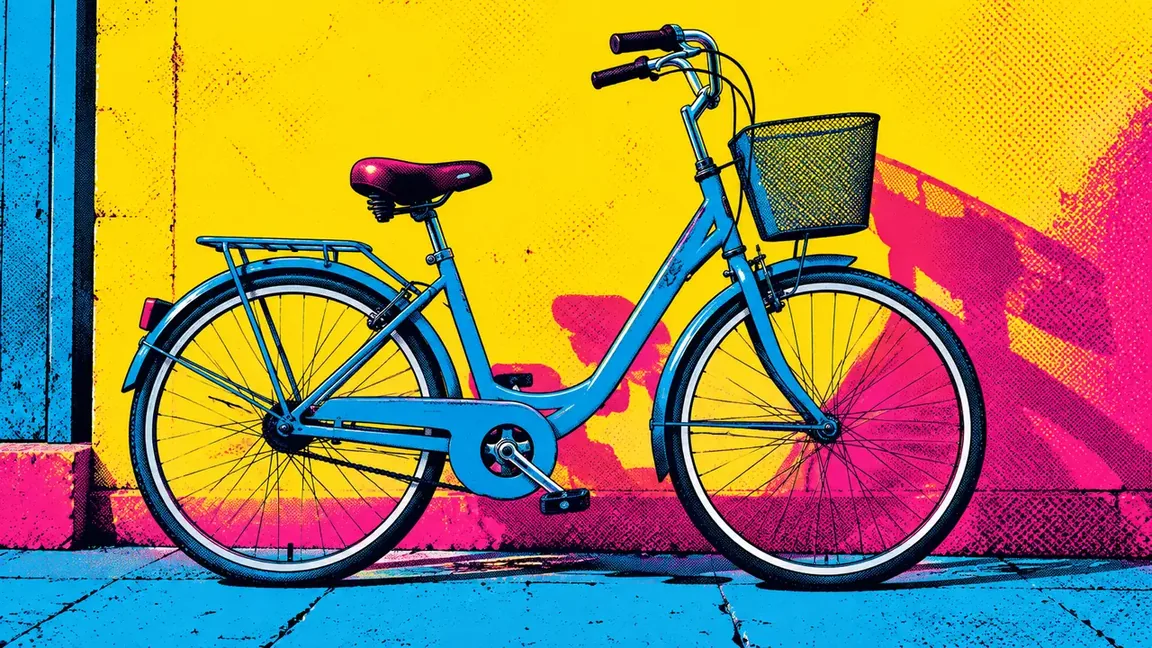
Screen-print texture
Visible dots give selected tones a printed rather than airbrushed surface.
Open the composer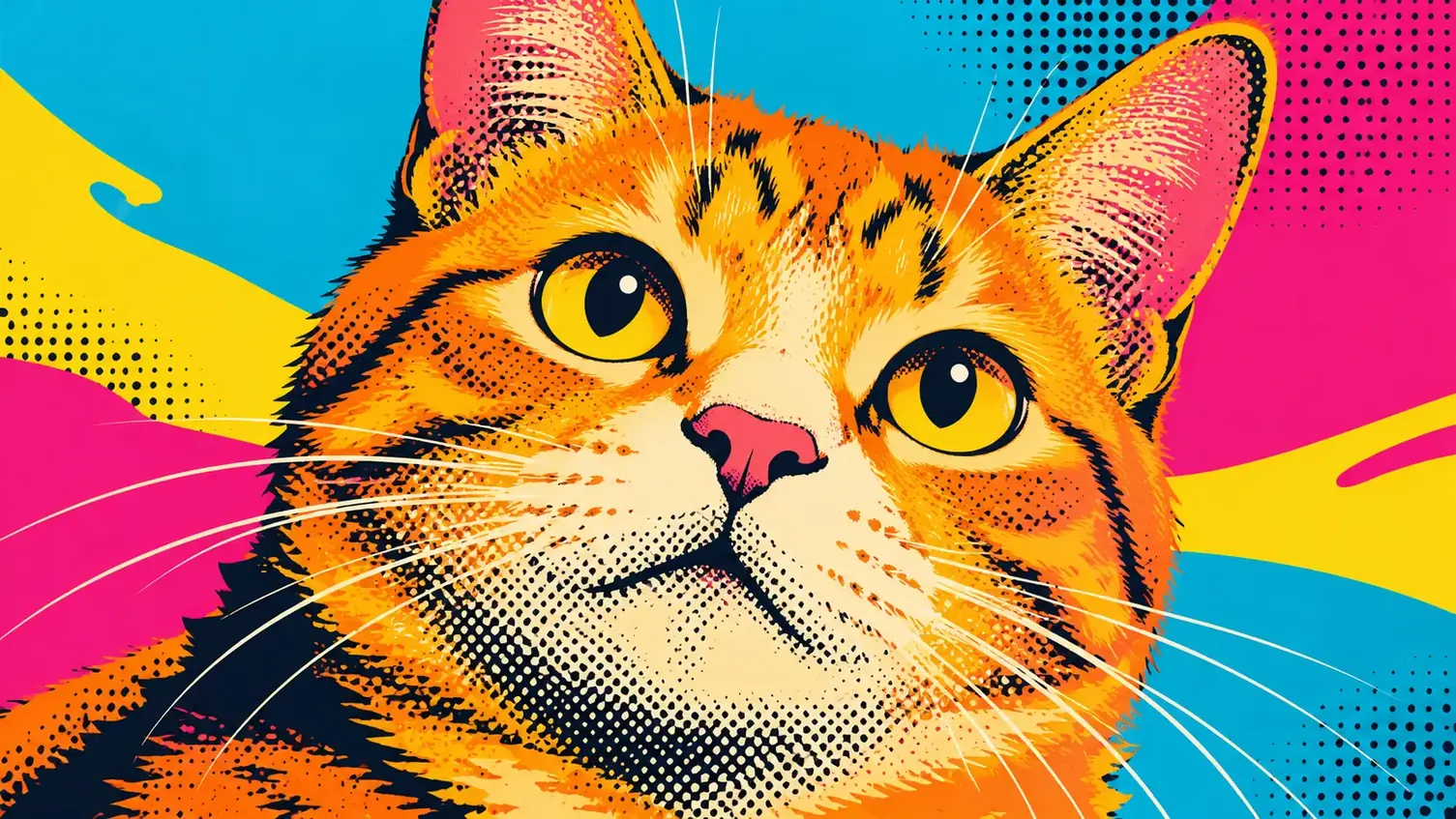
Poster-like shape design
Simplified contours make the subject read as a strong graphic image.
Open the composer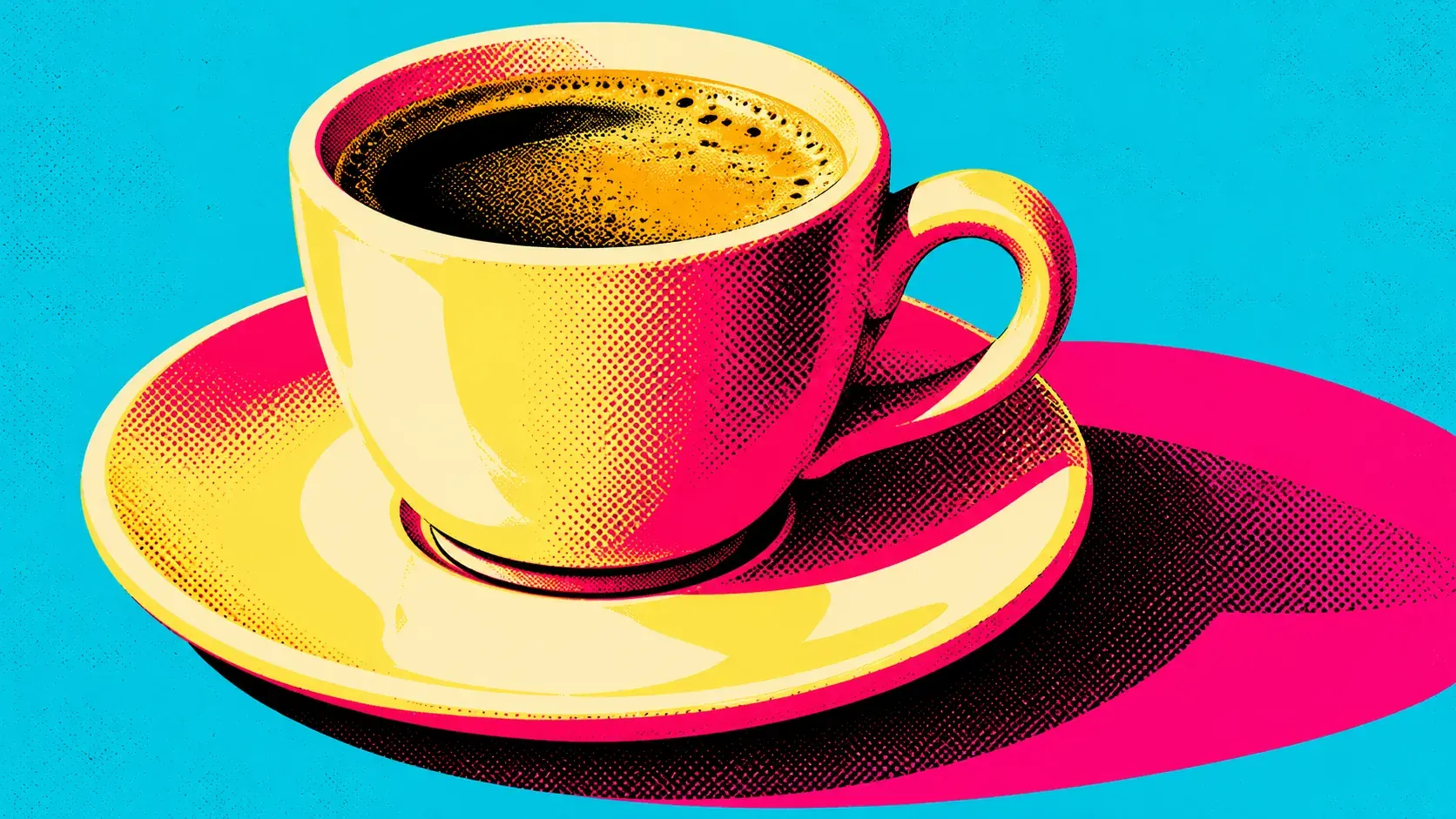
When to choose Pop Art
Choose this direction when bold color is the main attraction. Comic Book puts more emphasis on ink outlines and dramatic shadows; a pop-art composition gives large color blocks more space.
Open the composer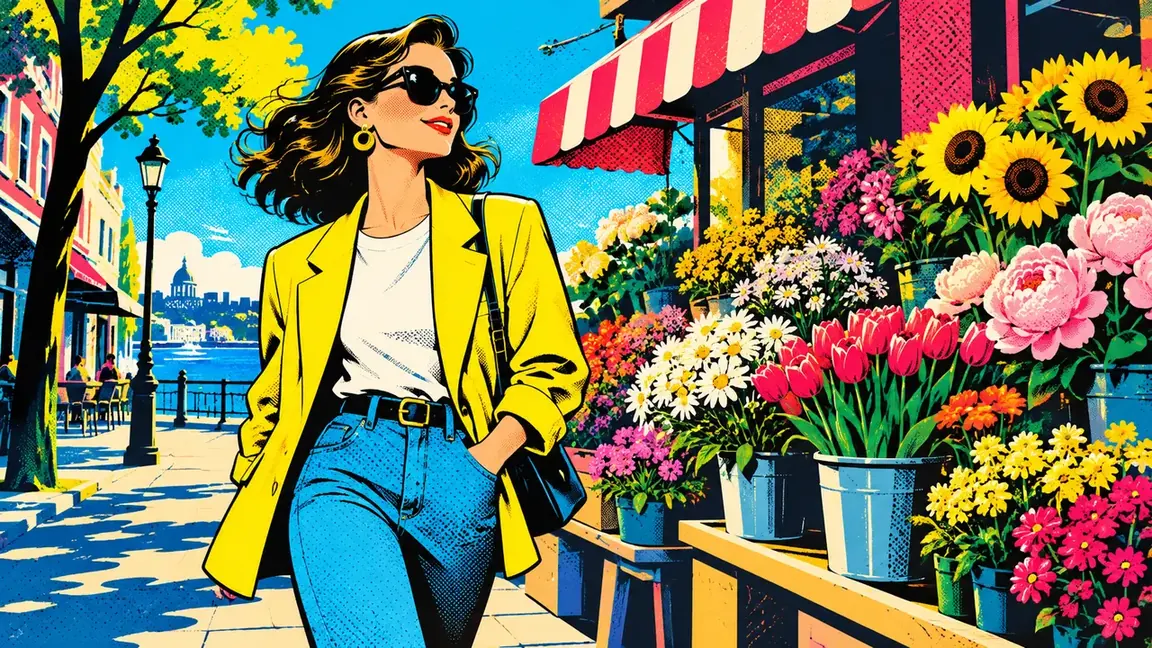
Details to look for in Pop Art
How to create your Pop Art image
From a bold subject to printed color
- 01
Find a silhouette for bold color blocks
Choose a source with a distinct silhouette and clear focal subject that can be simplified into strong color areas.
- 02
Set up the bold color treatment
Upload the silhouette-focused photo and find Pop Art among the available styles. When it supports generation, sign in and check the settings and credit amount before creating a colorful version.
- 03
Review the color blocks
Check whether the color blocks and dot texture preserve readable eyes, edges and subject separation.
When to choose Pop Art
Choose this direction when bold color is the main attraction. Comic Book puts more emphasis on ink outlines and dramatic shadows; a pop-art composition gives large color blocks more space.
Pop Art questions
How can I turn my image into Pop Art?
Start with a photo whose subject stands out from its background. Select Pop Art if generation is available, review the cost, and submit; then check whether the bright color blocks and dots leave the subject easy to recognize.
How do I make my picture pop?
Use a clear focal point and a simple background so large color areas have room to stand out. Bold outlines and contrasting colors can draw attention, but extra detail may compete with the subject.
What does a pop-art image cost?
You must sign in before generating, and each generation is charged in credits. Consult the pricing page for details and review the displayed credit cost for your chosen settings.