
A closer look at Oil Painting
An oil-painted treatment describes form through brush direction and layered color. Some areas can carry thicker, more tactile marks, while smaller strokes bring attention to identifying details.
A closer look at Oil Painting
An oil-painted treatment describes form through brush direction and layered color. Some areas can carry thicker, more tactile marks, while smaller strokes bring attention to identifying details.
Open the composer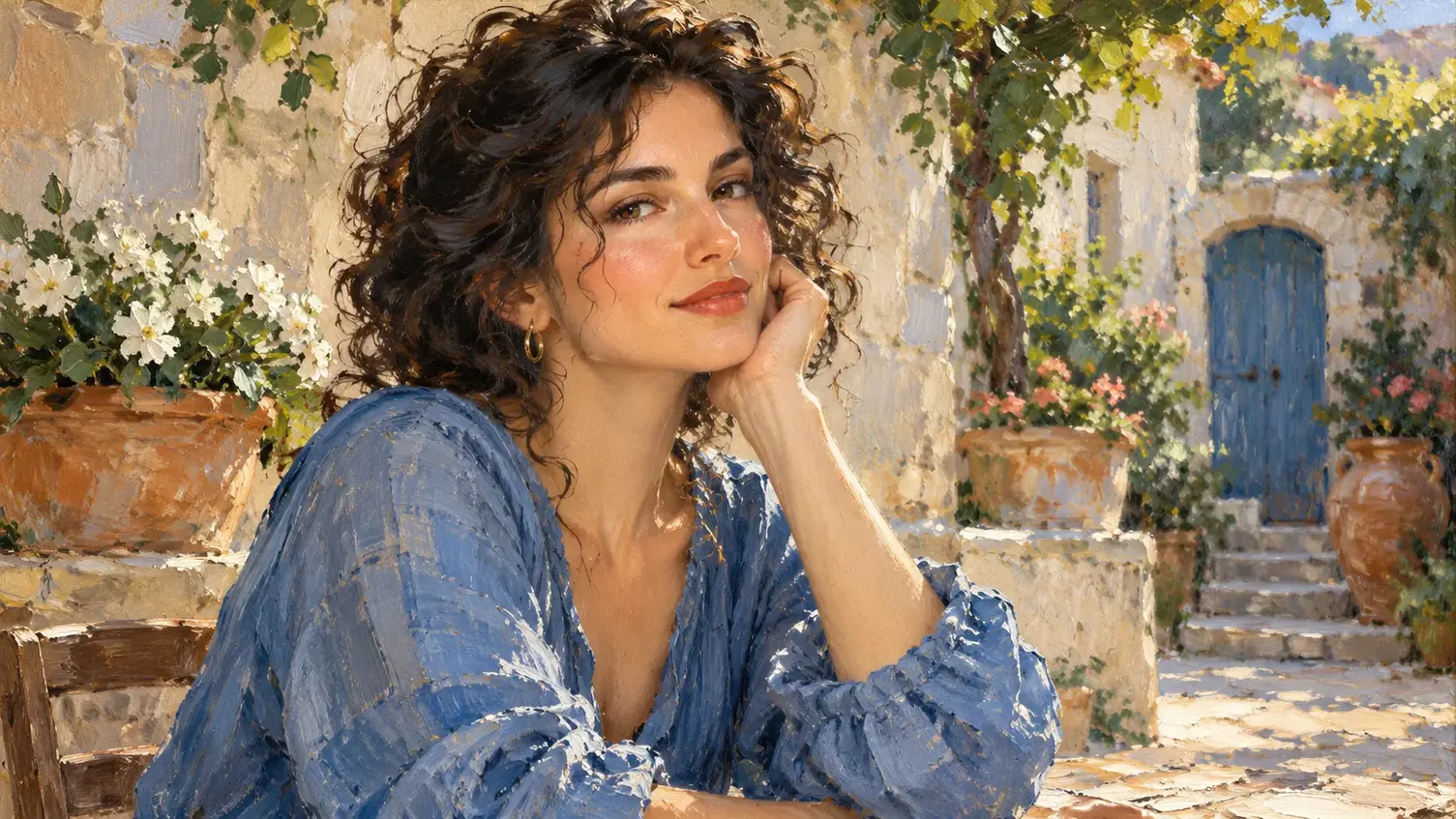
Directional brush marks
Bristle-like strokes follow the volume and movement of major forms.
Open the composer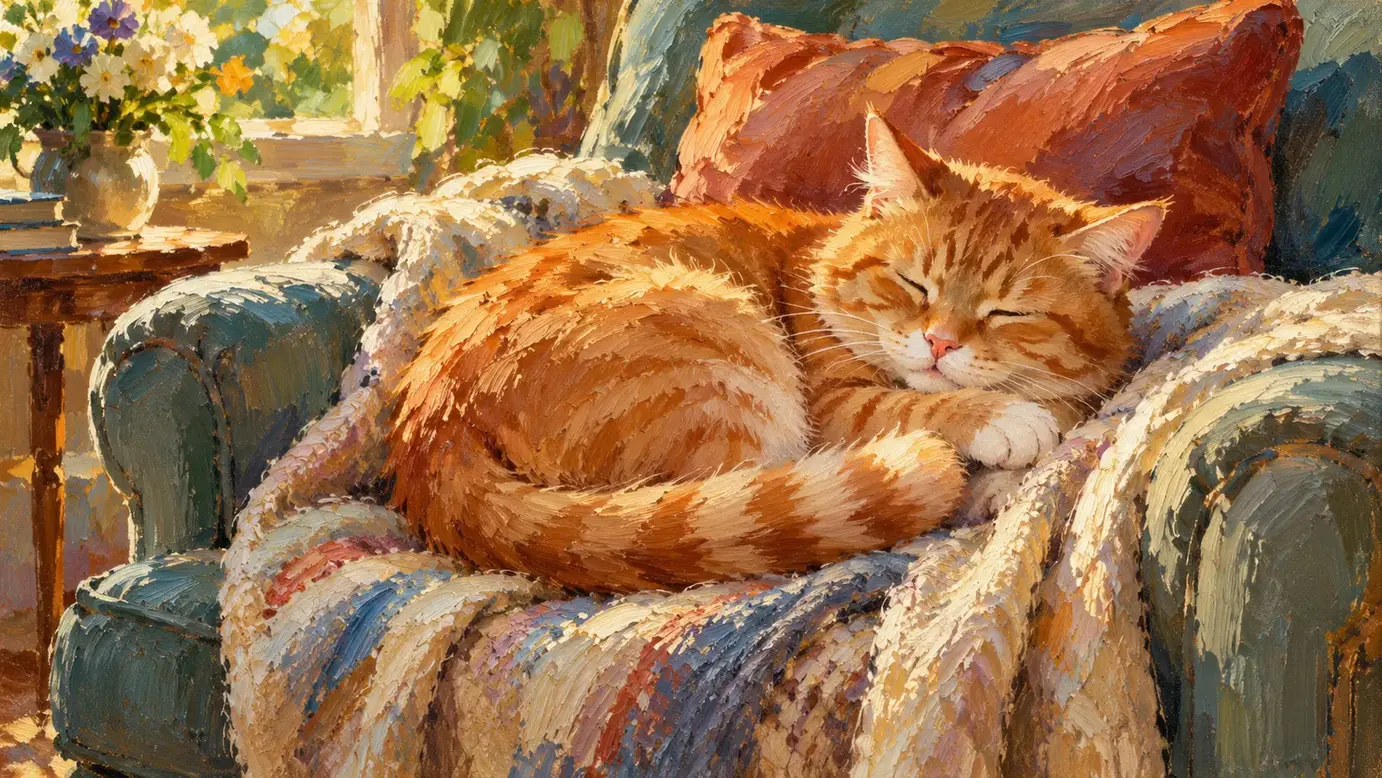
Opaque color layers
Warm and cool mixtures build a more substantial painted surface.
Open the composer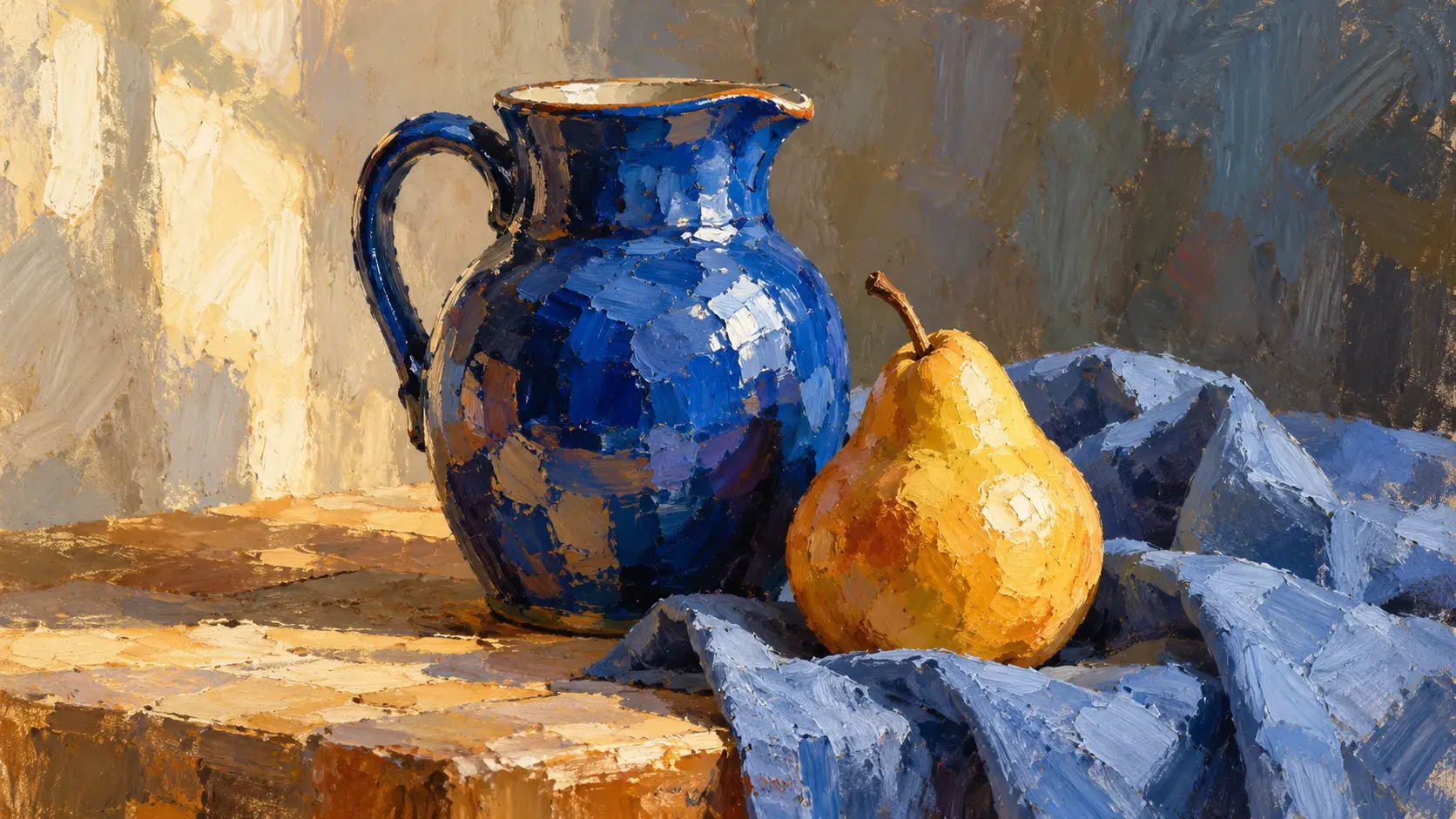
Selective paint thickness
Raised-looking marks give some areas a tactile emphasis without covering every detail equally.
Open the composer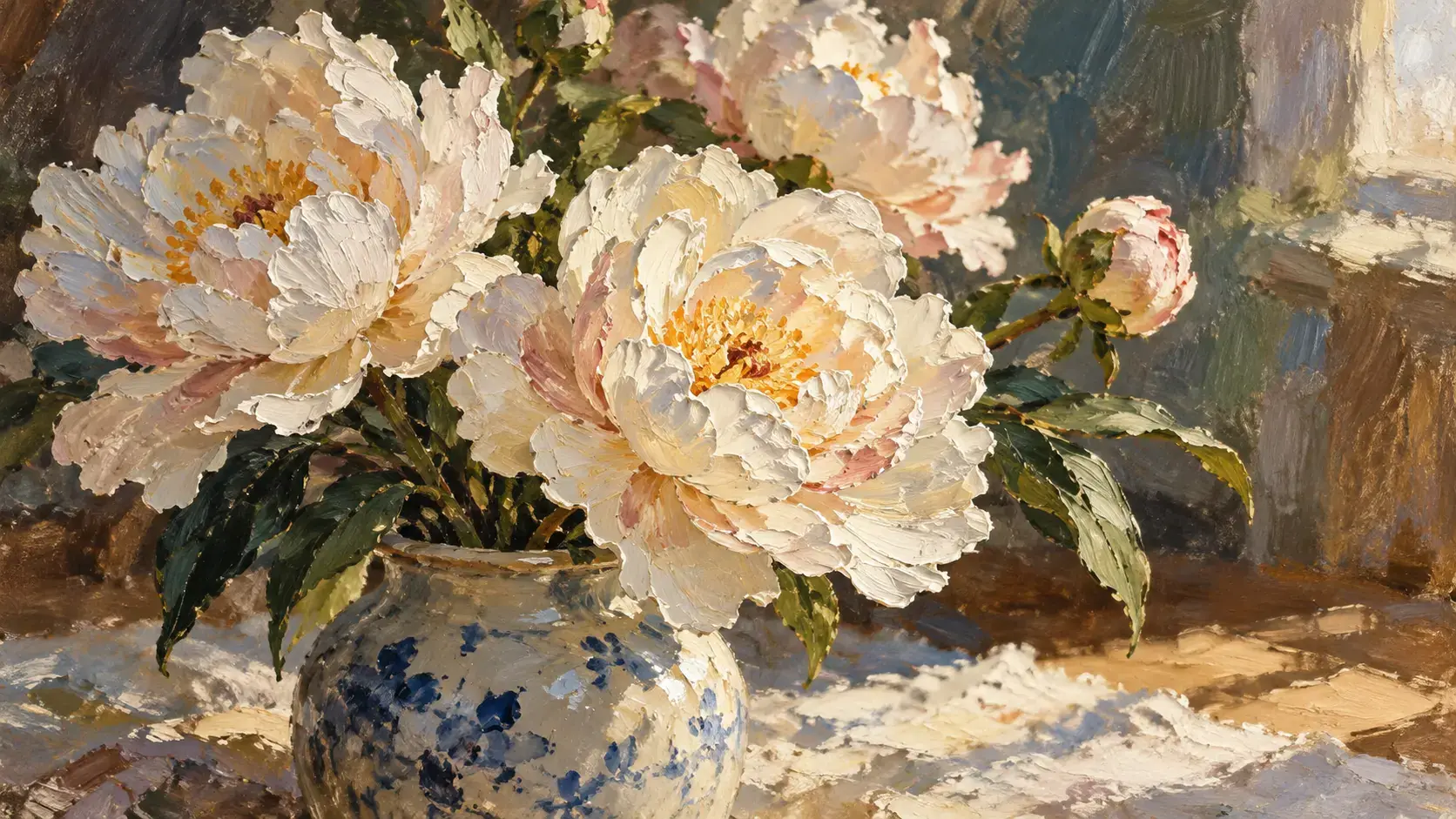
When to choose Oil Painting
Choose this direction for visible brush marks and layers of opaque color. Watercolor offers a lighter appearance, with translucent washes and pale paper showing through.
Open the composer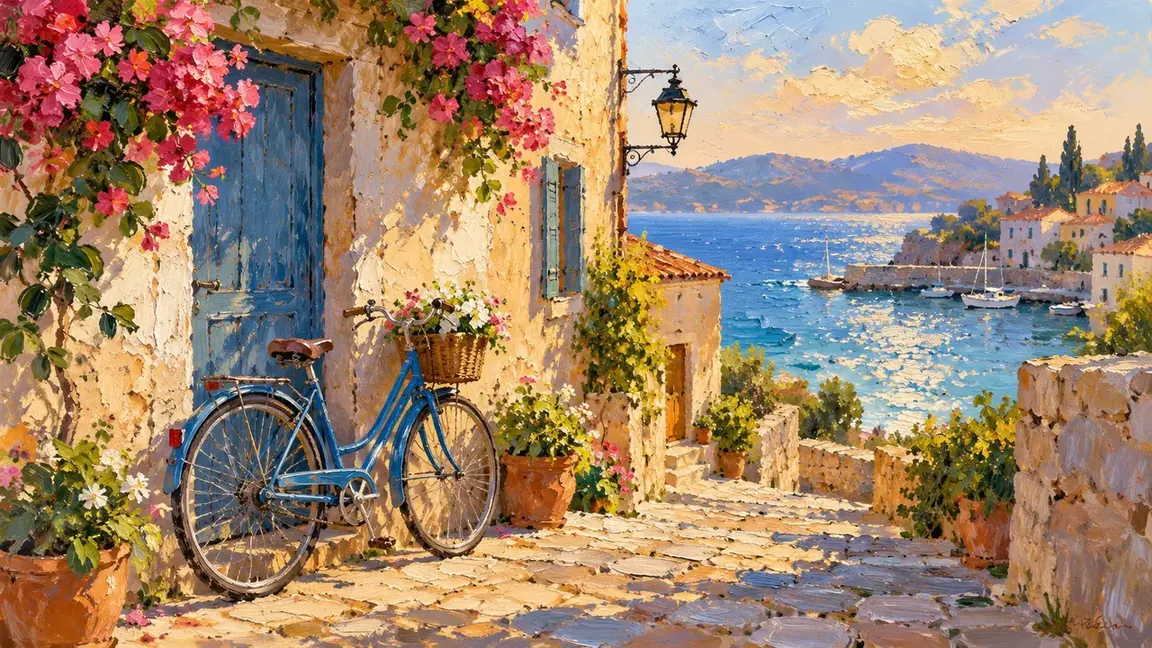
Details to look for in Oil Painting
How to create your Oil Painting image
From a lit subject to painted strokes
- 01
Pick a photo with clear light and shadow
Choose a photo with a clear focal point and visible light and shadow, so the brushstrokes have shapes to follow.
- 02
Prepare the painted interpretation
Upload a photo with visible light and shadow and look for Oil Painting. If that style can generate, sign in, review the available settings and credit cost, then submit for a painted interpretation.
- 03
Look closely at the brushwork
Check the brush direction, focal detail and whether background and subject share the same painted surface.
When to choose Oil Painting
Choose this direction for visible brush marks and layers of opaque color. Watercolor offers a lighter appearance, with translucent washes and pale paper showing through.
Oil Painting questions
How do I give my photo an oil-painted look?
Choose a photo with a clear focal point and light that reveals its shape. Select Oil Painting if available, review the cost and generate, then check the brushwork around the features you want to recognize.
How much does it cost to turn a photo into a painting?
Sign-in is required, and image generation is charged in credits. The pricing page lists current details; the displayed credit cost is the one to check before submitting.
Will I receive a physical painting?
The intended result is a digital image with a painted appearance. A hand-painted canvas, printing and physical delivery are not part of this image conversion.